EasyManua.ls Logo

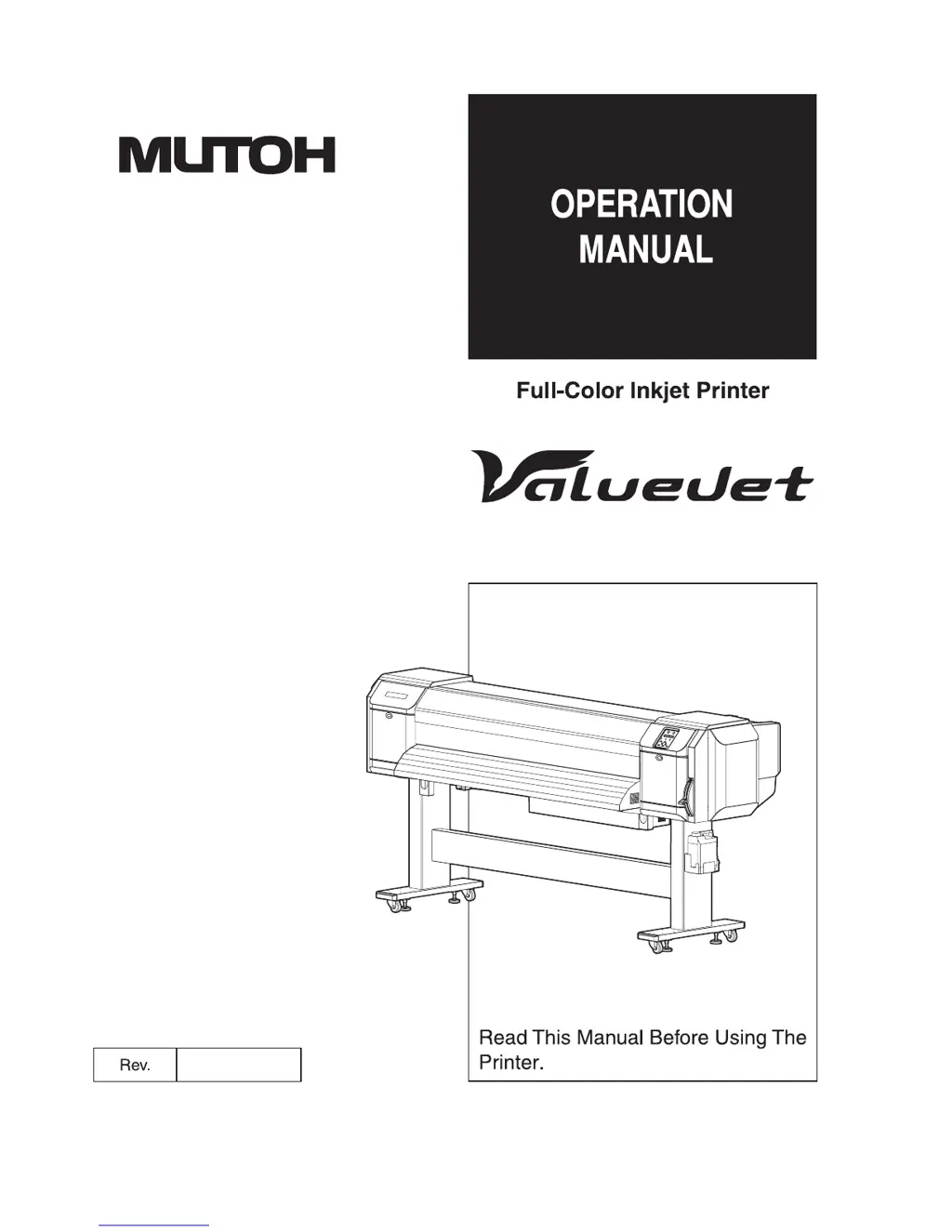
MUTOH ValueJet VJ-1624 - User Manual

MUTOH ValueJet VJ-1624
324 pages
Print Icon
To Next Page IconTo Next Page
Loading...
VJ-1624
VJ-1624W
VJ1624E-A-02

Table of Contents

Other manuals for MUTOH ValueJet VJ-1624

Questions and Answers

  • D
    David TorresSep 9, 2025
    Why is the printing position incorrect on my MUTOH ValueJet VJ-1624 Printer?
    • A
      anthony47Sep 9, 2025
      To resolve issues with incorrect printing positions on your MUTOH Printer, where some parts of the media cannot be printed on: * Ensure that the loading position of the media is correct. * Cancel or reset the settings of the origin and print position.
  • E
    Eddie ThomasSep 12, 2025
    How do I fix patchy or duplicated printing lines on my MUTOH Printer?
    • L
      Lydia LoweSep 12, 2025
      To resolve the issue of printing lines being duplicated or patchy on your MUTOH Printer: * Perform head cleaning to ensure the nozzles are in good condition. * Return the head height to 'Low'.
  • I
    iharrisonSep 13, 2025
    Why is the wrong media size set during MUTOH ValueJet VJ-1624 Printer initialization?
    • J
      Jason MathisSep 13, 2025
      To resolve the issue of the wrong media size being set during initialization on your MUTOH Printer: * Use the recommended media. * Set the media straight. * Straighten the media or set a new media if it curls upward when set. * Only use the printer in the specified environment. * Use a new media if you are using media that has been printed on already.
  • A
    Ashley ChambersSep 15, 2025
    How do I stop the media from veering during printing on my MUTOH ValueJet VJ-1624 Printer?
    • L
      Luis GilbertSep 15, 2025
      To resolve the issue of the media veering during printing on your MUTOH Printer: * Ensure you are using the recommended media. * Verify the loading position of the media is correct. * Make sure the roll media is loaded correctly.
  • E
    Elizabeth HunterSep 17, 2025
    Why can't I connect my MUTOH ValueJet VJ-1624 to the computer via LAN?
    • M
      Megan BakerSep 18, 2025
      To address issues with using the computer online via LAN with your MUTOH Printer: * Confirm the types of cross and straight cables and connect the network interface cable correctly. * Configure the network settings correctly. * Match the printer's network settings with the computer's environment.

Summary

Important Notice

For Users in Europe

CE marking indicates conformity with EU health and safety requirements.

For Users in the United States

FCC compliance for Class A digital devices to prevent harmful interference.

About this Manual

Purpose and Target Readers

Explains manual's purpose for VJ-1624/1624W owner/operators.

Manual Configuration

Describes the structure and sections of the manual for user guidance.

1 Safety Instructions

Important Safety Instructions

Details critical safety precautions for installation and operation of the printer.

Warning Labels

Explains handling, locations, and types of warning labels on the printer.

2 Product Overview

Names of Parts and Functions

Identifies and describes the function of various printer parts (front and rear sections).

Printer Status Outline

Explains the printer's operational status (Normal, Setup menu display) and how to change them.

3 Before Using

Power Cord Set Connection

Provides instructions and warnings for safely connecting the power cord.

Turning the Power ON;OFF

Details the procedure for turning the printer's power on and off safely.

Filling Ink

Step-by-step guide for installing ink cartridges/packs, including cautions.

4 Handling the Printer

Print Flow Chart

Illustrates the step-by-step procedure for performing printing with the printer.

Media

Explains details of available media, types, handling, and storage precautions.

Head Height Adjustment

Details how to adjust the print head height for optimal printing and to prevent media rub.

5 Panel Setup Menu

Setup menu

Outlines the various settings configurable through the printer's setup menu.

Test Print Menu

Lists functions for performing nozzle checks, mode prints, and setup list printing.

Cleaning menu

Explains head cleaning procedures (Short, Normal, Long, Little Charge, Initial Ink Charge).

6 Maintenance

Replacing Consumable Components

Guides on replacing ink cartridges, roll media, and flushing-box sponges.

Cleaning the Printer

Provides instructions for routine cleaning of the printer's exterior and interior parts.

Disposal of Waste Fluids

Explains the correct procedure and precautions for disposing of waste ink fluids.

7 Troubleshooting

Malfunctions and Failures

Lists common printer malfunctions, their causes, remedies, and references.

Error Messages

Details status and error messages displayed by the printer, with troubleshooting steps.

The Media is Jammed

Provides instructions for safely removing jammed media from the printer.

8 Appendix

Product Specifications

Lists detailed technical specifications for the VJ-1624 and VJ-1624W printers.

Interface Specification

Describes the network interface specifications, including type and protocol.

Options;Supply list

Information on optional accessories and supply items, contact for details.

MUTOH ValueJet VJ-1624 Specifications

General IconGeneral
BrandMUTOH
ModelValueJet VJ-1624
CategoryPrinter
LanguageEnglish

Related product manuals