Safety MY500 JetPrinter MYDATA
1 - 2 Rev. 0003 2008-06 P-030-0014-EN – Service Manual
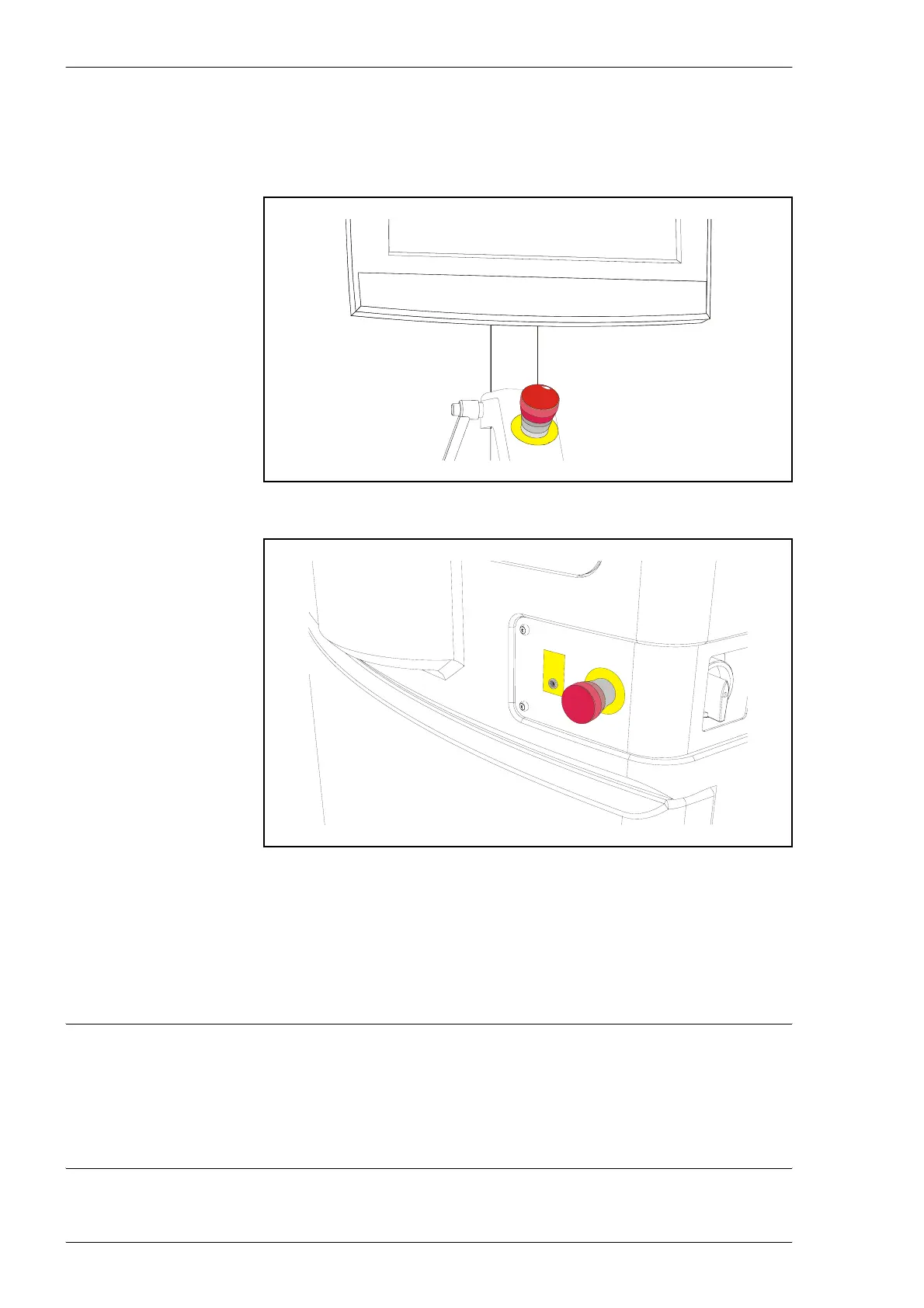
Emergency Stop Buttons
There are two red emergency stop buttons on the machine. When an
emergency stop button is pressed down, the machine will stop immediately.
Emergency stop buttons are released by being turned clockwise.
When the front hood is lifted, a safety switch is activated and all movements
in the MY500 JetPrinter are stopped immediately.
Extra, auxiliary safety buttons can be connected at the rear of the machine.
WARNING! Always press down an emergency stop button before hands,
fingers, tools, or other objects are entered within a shielded area, or if any
hoods are opened.
Test the function of emergency stop buttons at regular intervals.
Figure 1-1. Emergency stop button above the keyboard.
Figure 1-2. Emergency stop button on the machine front.



 To Next Page