Installation MY500 JetPrinter MYDATA
2 - 14 Rev. 0003 2008-06 P-030-0014-EN – Service Manual
Powering
MYDATA machines are set up for adequate mains supply before delivery
according to the customer order. This means, that normally only the mains
power needs to be connected without alterations inside the machine.
Knowing your mains power supply, you can verify that the machine is
properly set up by reading on the type label.
If the mains voltage or the type of mains supply is to be changed, internal
power connections in the machine must also be changed accordingly, see the
next section.
DANGER! The power configuration plugs should only be installed by an
authorized MYDATA service engineer.
Electrical Configuration
WARNING! Lock and tag, and disconnect the mains, before opening, or doing
any work inside the machine.
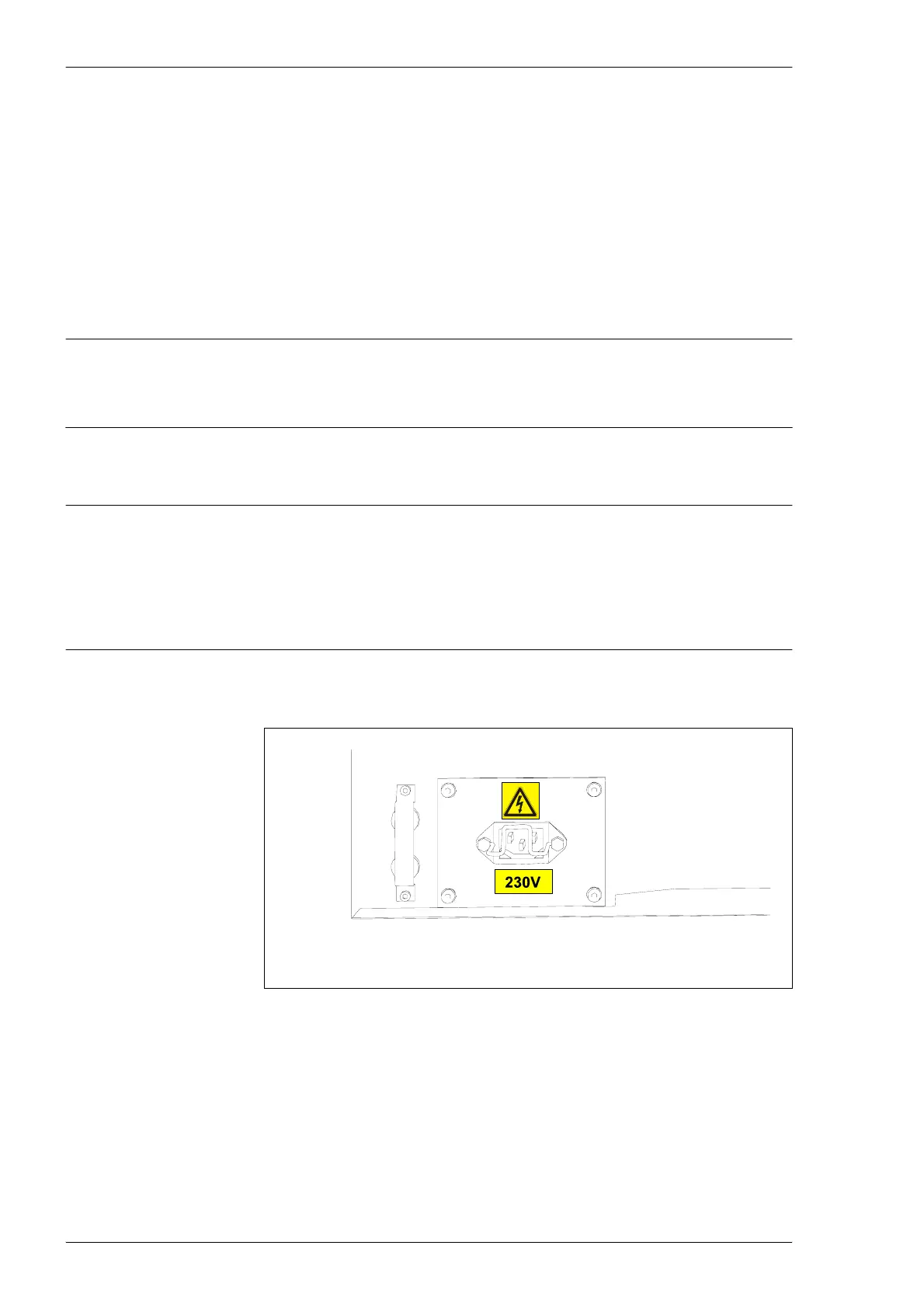
Always ensure that the voltage labeled on the machine (close to the mains
power inlet) corresponds to the mains. If not, check and when necessary
replace the configuration plugs.
The machine is equipped with one mains transformer which must be
configured according to the supply voltage.
Figure 2-9. Main power.



 To Next Page