MYDATA MY500 JetPrinter Installation
P-030-0014-EN – Service Manual Rev. 0003 2008-06 2 - 19
Network Connection
MY500 JetPrinter movements are guided by a machine control software,
acting on instructions in the form of a machine programs (layouts). These
layouts are prepared on an offline terminal, a PC, which is connected to the
machine via a Local Area Network (LAN).
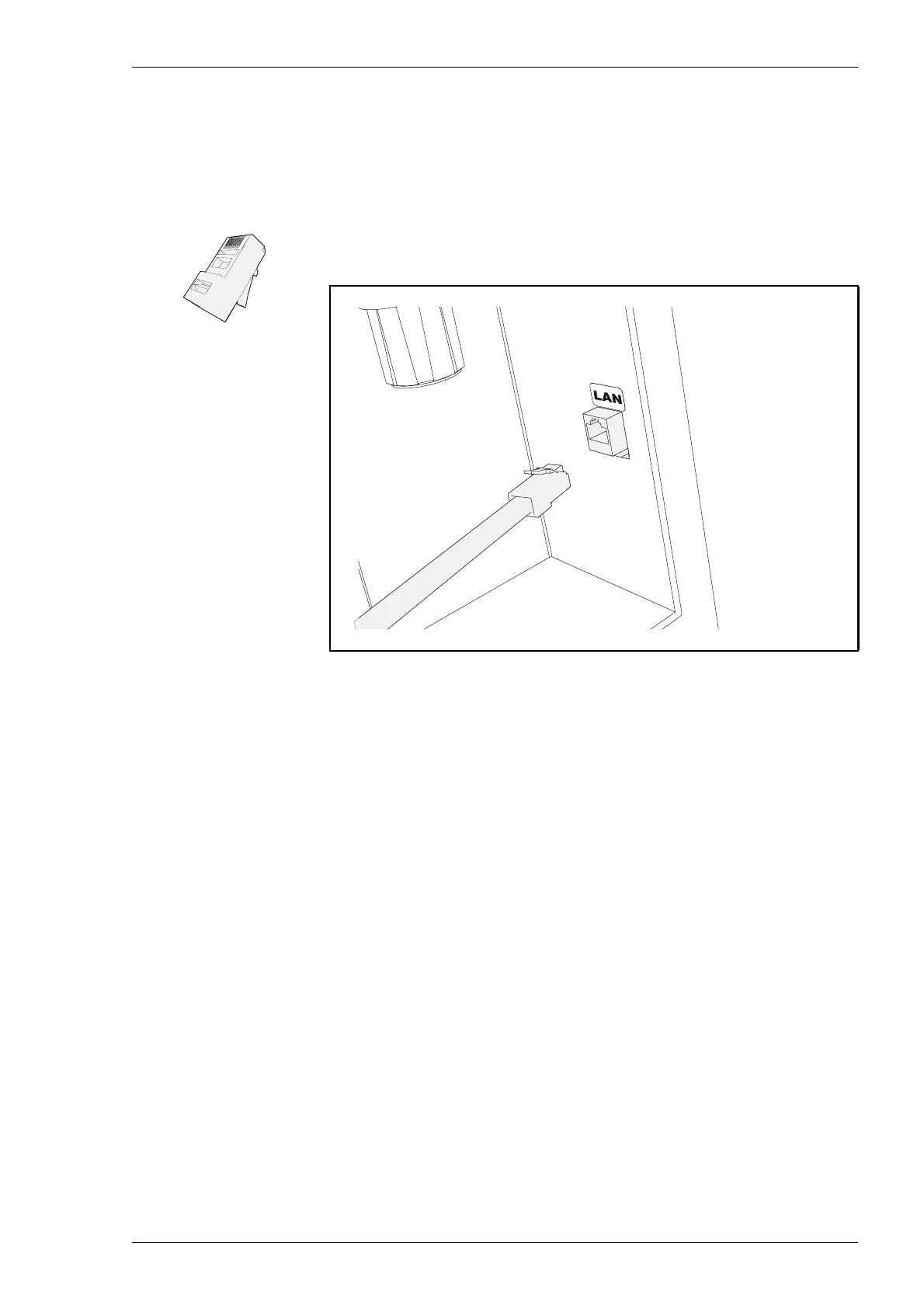
The network is connected onto the machine’s backside. The network cable use
RJ45 connectors.
Connect the offline PC to the machine via the gateway using the network
cables.
SMEMA Connection
Surface Mount Equipment Manufacturers Association (SMEMA), have
standardized the mechanical and the electrical interface in the SMEMA
Interface standard 1.2. Communications between surrounding surface mount
equipment, and a MY500 JetPrinter is handled by SMEMA-standardized
connectors.
The MY500 JetPrinter connection plate have are two SMEMA connectors –
SMEMA OUT and SMEMA IN. An external equipment’s SMEMA IN is
connected to the MY500 JetPrinter SMEMA OUT. SMEMA IN on the
MY500 JetPrinter is connected to the SMEMA OUT on the external
equipment.
Figure 2-16. LAN connection.



 To Next Page