MYDATA MY500 JetPrinter Routine Maintenance
P-030-0014-EN – Service Manual Rev. 0003 2008-06 5 - 5
Calibration Units
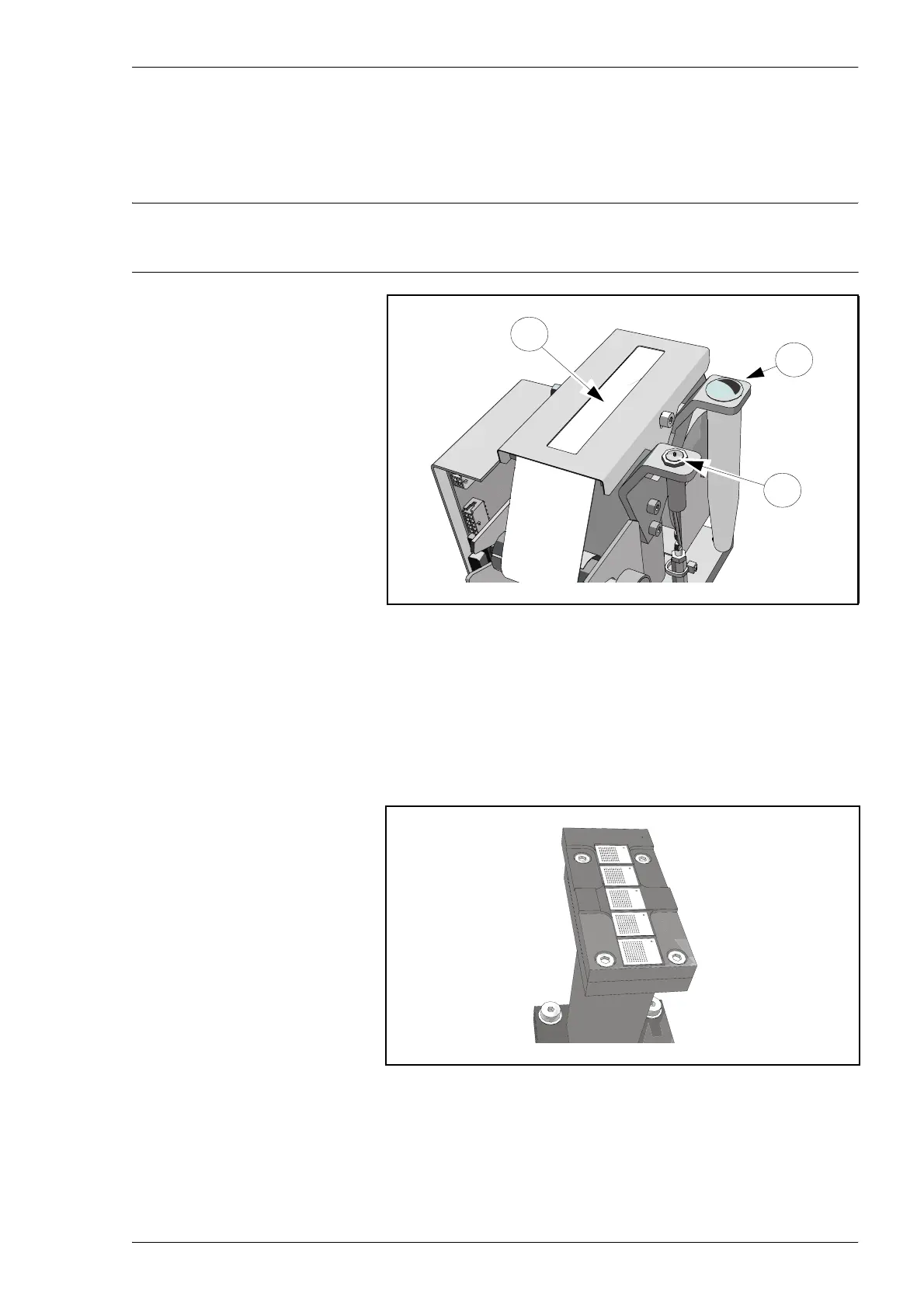
– Check if the cassette height calibration sensor (’A’ in Figure 2-5) is
clean and can be moved down freely. If not clean, wipe it carefully
using a lint-free cloth.
Do not use any alcohol on the calibration point!
– Check if the waste container (B) is getting full. Replace the waste
container if necessary, see the MY500 JetPrinter, Service Manual.
– Check the quantity of paper (C). Reload if there is a red line on the
paper´s side, see the MY500 JetPrinter, Service Manual.
– Wipe away any solder paste or dirt from the unit using a lint-free
cloth. Be careful not to leave any dirt on the white calibration spots.
Figure 5-5. Calibration unit.
Figure 5-6. Camera calibration unit.
A
B
C



 To Next Page