Installation MY500 JetPrinter MYDATA
2 - 20 Rev. 0003 2008-06 P-030-0014-EN – Service Manual
Transport Lock
CAUTION! Always remove the transport lock before powering up the machine
for the first time!
The Y beam and X wagon are locked in position during transport. These locks
must be removed before starting the machine.
Whenever the machine is moved the Y beam and X wagon must be locked.
Remove the locks as follows:
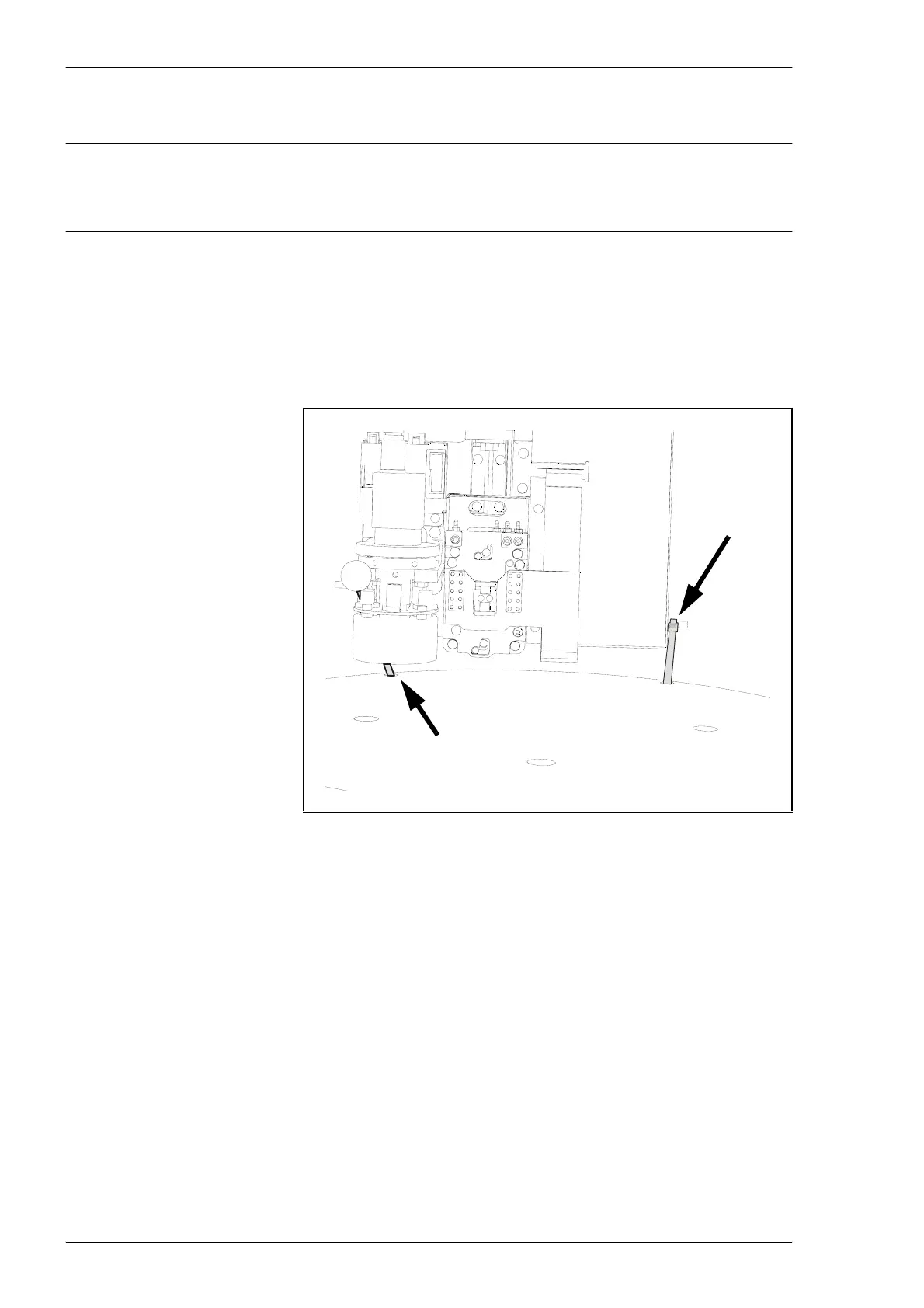
1. Cut off and remove the cable ties holding the X wagon.
Figure 2-17. Cable ties.



 To Next Page