Routine Maintenance MY500 JetPrinter MYDATA
5 - 14 Rev. 0003 2008-06 P-030-0014-EN – Service Manual
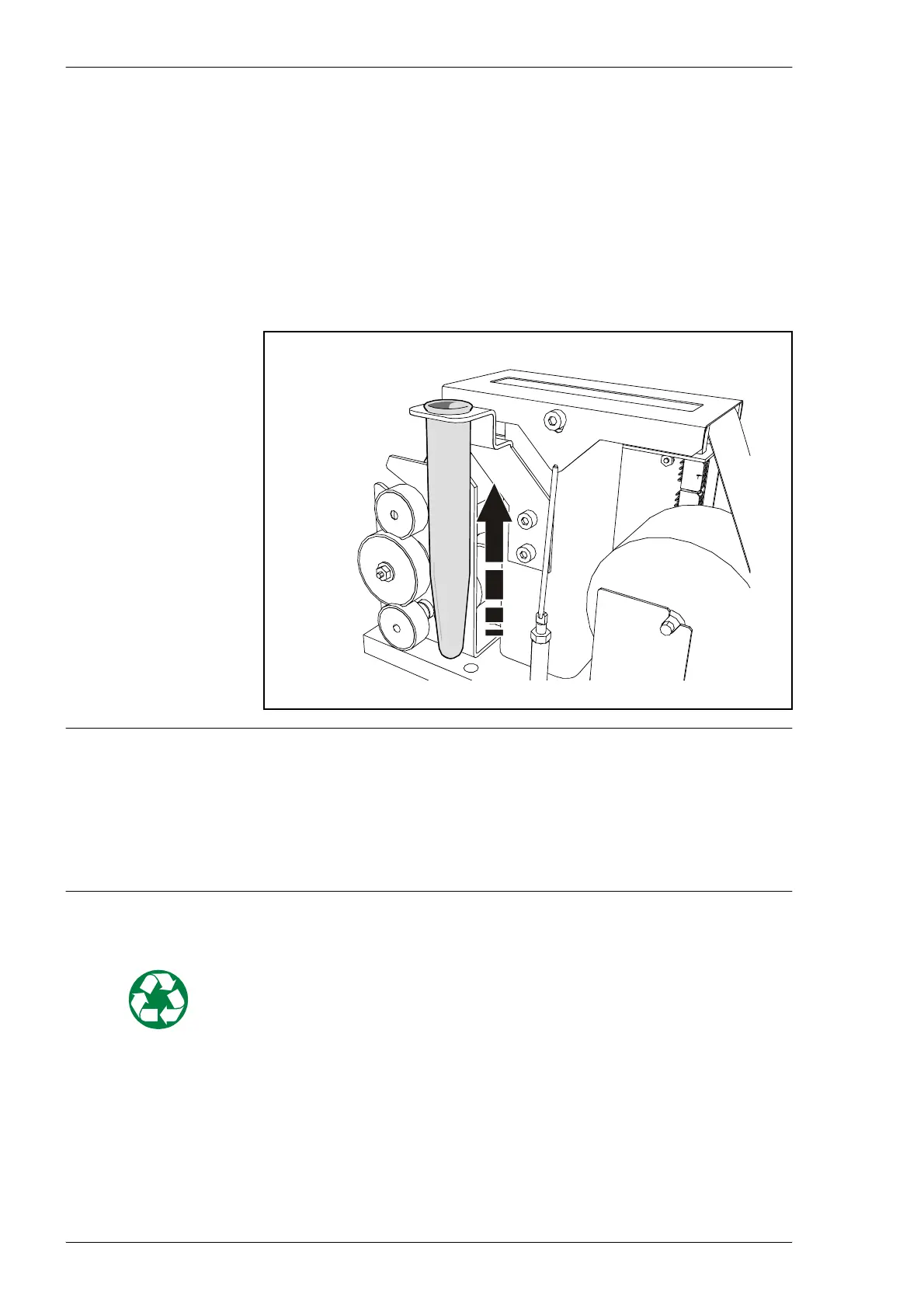
Changing Waste Container
When you use the Purge button, the cassette will do ’dummy’ shots into a
waste container on the cassette calibration unit.
Check the container regularly. Change if the container is 2/3 full, otherwise
solder paste may splash outside of the container when purging.
To change the container
Lift the container straight up and insert a new one.
WARNING! Solder paste, during handling or use, may be hazardous to health
or the environment. Read the Material Safety Data Sheet and warning label
before using. Always remember that care should be taken to avoid the
ingestion of solder paste. As solder paste often contains lead and/or other
toxic materials, gloves and gowns should be worn while using solder paste,
and hands should be washed afterwards.
Waste Disposal
Solder paste and any material with remnants of solder paste in, or on, them
must be treated as hazardous waste.



 To Next Page