Routine Maintenance MY500 JetPrinter MYDATA
5 - 4 Rev. 0003 2008-06 P-030-0014-EN – Service Manual
Machine
WARNING! Before commencing, press an emergency stop button down.
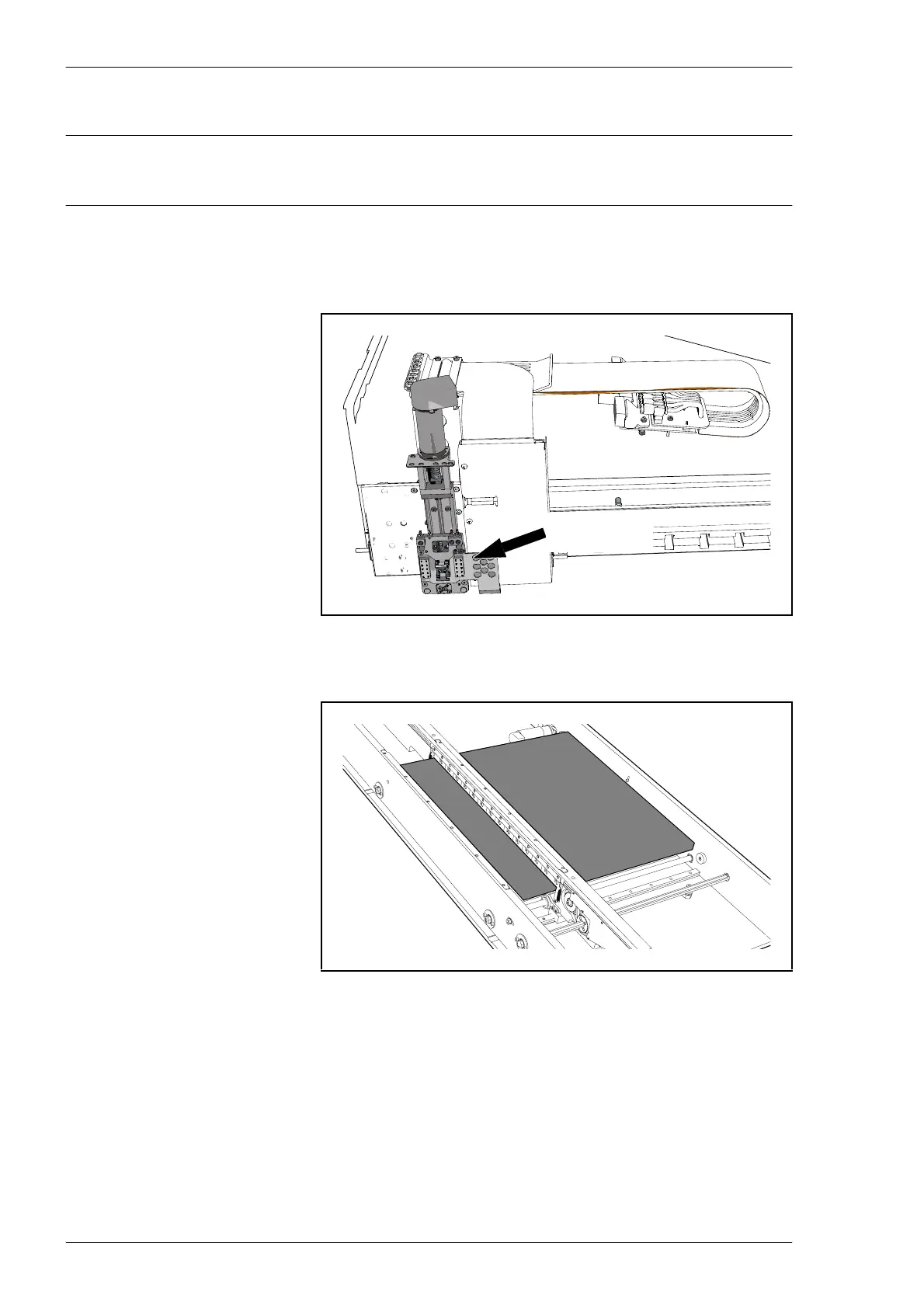
– Inspect the Cassette interface. Wipe off any solder paste using a lint-
free cloth. Be careful with the connector surfaces.
– Wipe off any solder paste from the conveyor table.
– Wipe off any solder paste and glue that may have spilled onto the
machine. This is especially important for glue, which may be harmfull
to machine parts.
Figure 5-3. Cassette interface.
Figure 5-4. Conveyor table.
Cassette
interface



 To Next Page