Installation MY500 JetPrinter MYDATA
2 - 16 Rev. 0003 2008-06 P-030-0014-EN – Service Manual
Pneumatic Connection
The pneumatic system in the machine require compressed air. Ensure that the
pressure is at least 7 bar.
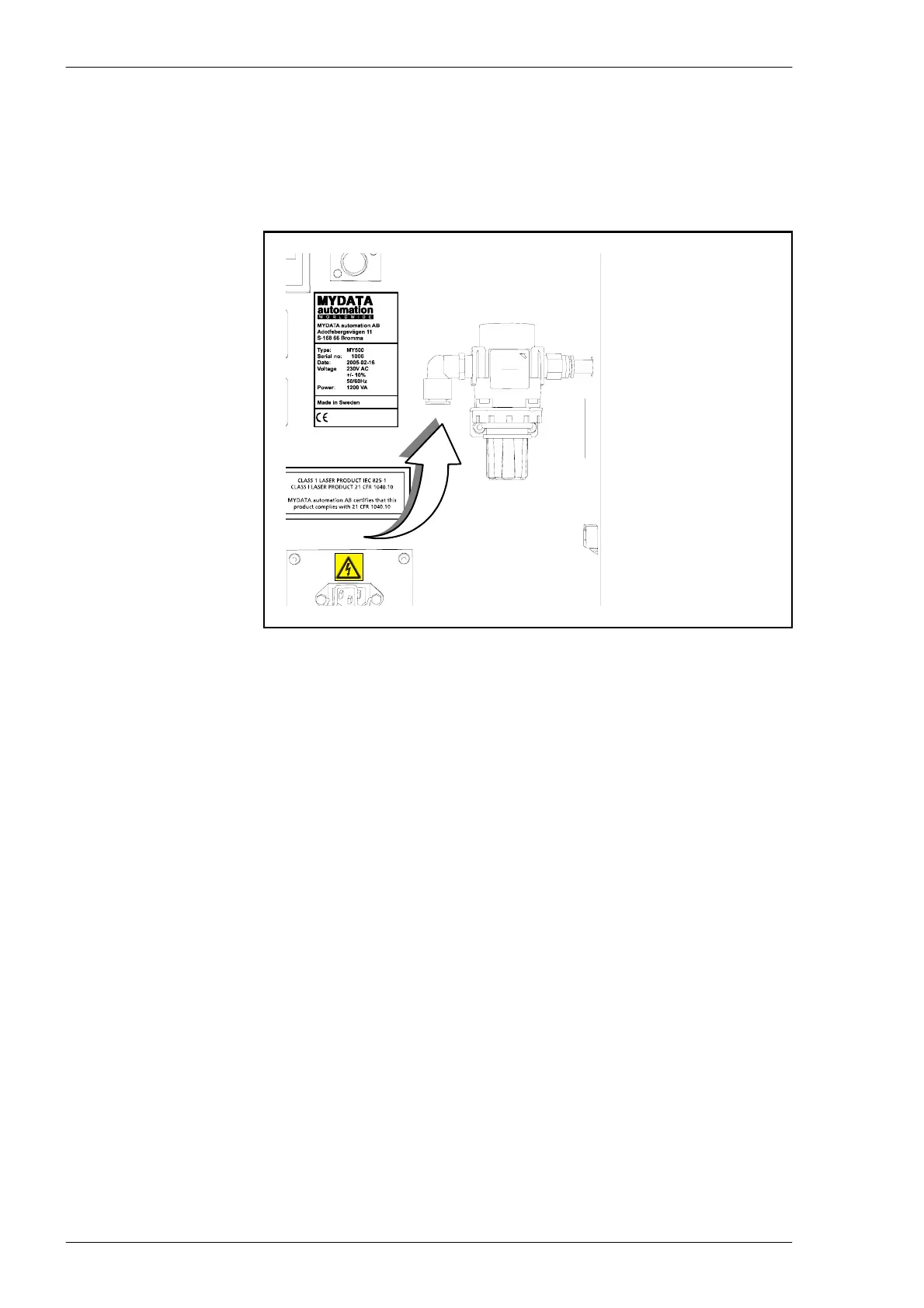
The pressure hose is connected to the regulator on the backside of the machine.
There are two optional pneumatic air units available for installation – the air
cooling unit and the micro mist unit.
If any of these optional units are used, the compressed air will first be
connected to these. Thereafter the air will be connected to the pneumatic valve
on the MY500 JetPrinter.
Figure 2-13. Pneumatic valve on the MY500 JetPrinter.



 To Next Page