Machine Systems MY500 JetPrinter MYDATA
3 - 4 Rev. 0003 2008-06 P-030-0014-EN – Service Manual
Inputs and Controls
A touchscreen is used to operate the machine. A keyboard and trackball are
used to input data, but can also be used to control machine operations if
desired.
On the screen operating status, messages and such are displayed. There is also
a signal tower which indicates the machines operational status.
Touch Screen
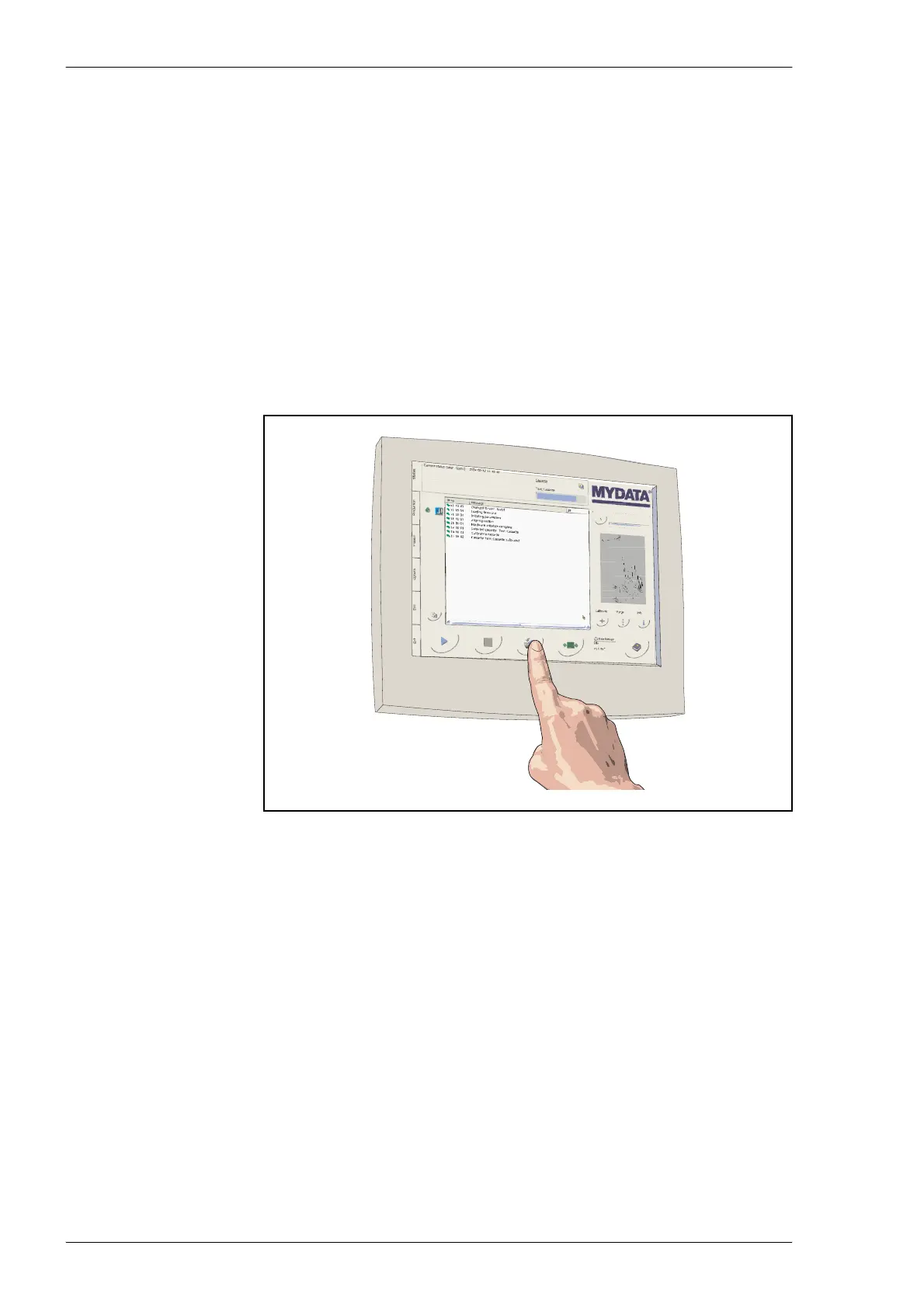
You can operate the MY500 JetPrinter machine by using the LCD (liquid
crystal display) touch screen. Functions such as start, stop, toggle and so on
are triggered when you touch the designated buttons on the screen with your
finger.
Please read the following instructions carefully:
Tap the LCD touch screen gently; never use force.
Do not use a pen or any sharp object to tap the screen. This may damage the
surface.
Clean the LCD touch screen with a soft cloth. If needed, dampen the cloth
slightly before cleaning. Never use abrasives or cleaning solutions.
For adjustments and other information about the touch screen we refer you to
the OEM user’s guide.
Figure 3-3. Touch screen.



 To Next Page