MYDATA MY500 JetPrinter Routine Maintenance
P-030-0014-EN – Service Manual Rev. 0003 2008-06 5 - 7
Weekly Maintenance
This preventive maintenance shall only be carried out by authorized service
engineers.
Equipment
– Lint-free cloths.
WARNING! Before commencing, switch the power off, and lock out and tag
the main switch.
Machine
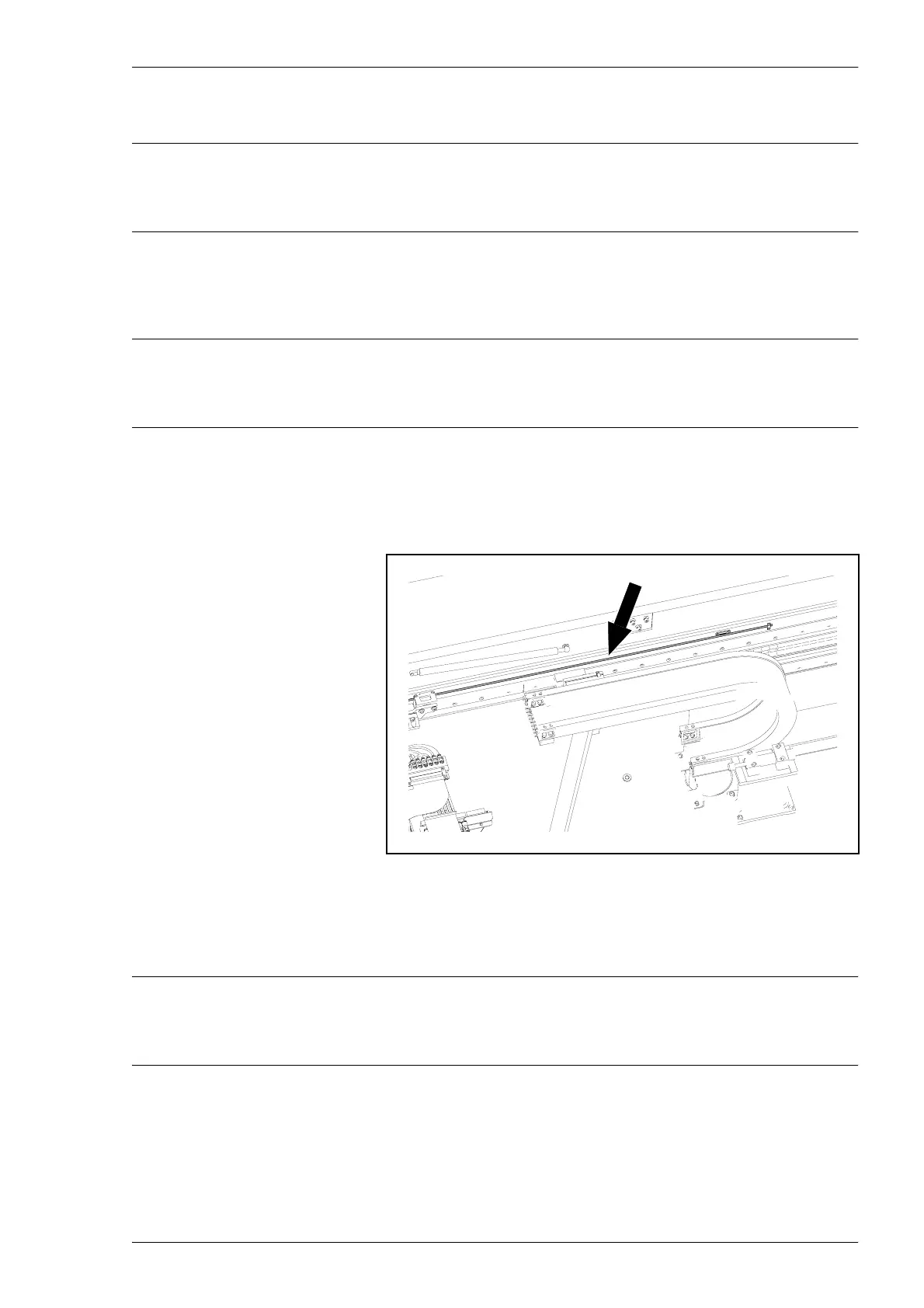
– Wipe off the Y linear scale using a dry lint-free cloth. Be careful not
to scratch or damage the surface.
To be able to reach the rear part of the linear scale, you must remove
the rear top hood. This is done by unscrewing the hood’s four mount
screws.
WARNING! Always re-attach the rear hood, using four screws, before
switching the power on.
Figure 5-8. Y linear scale.
Y linear scale



 To Next Page