MYDATA MY500 JetPrinter Installation
P-030-0014-EN – Service Manual Rev. 0003 2008-06 2 - 21
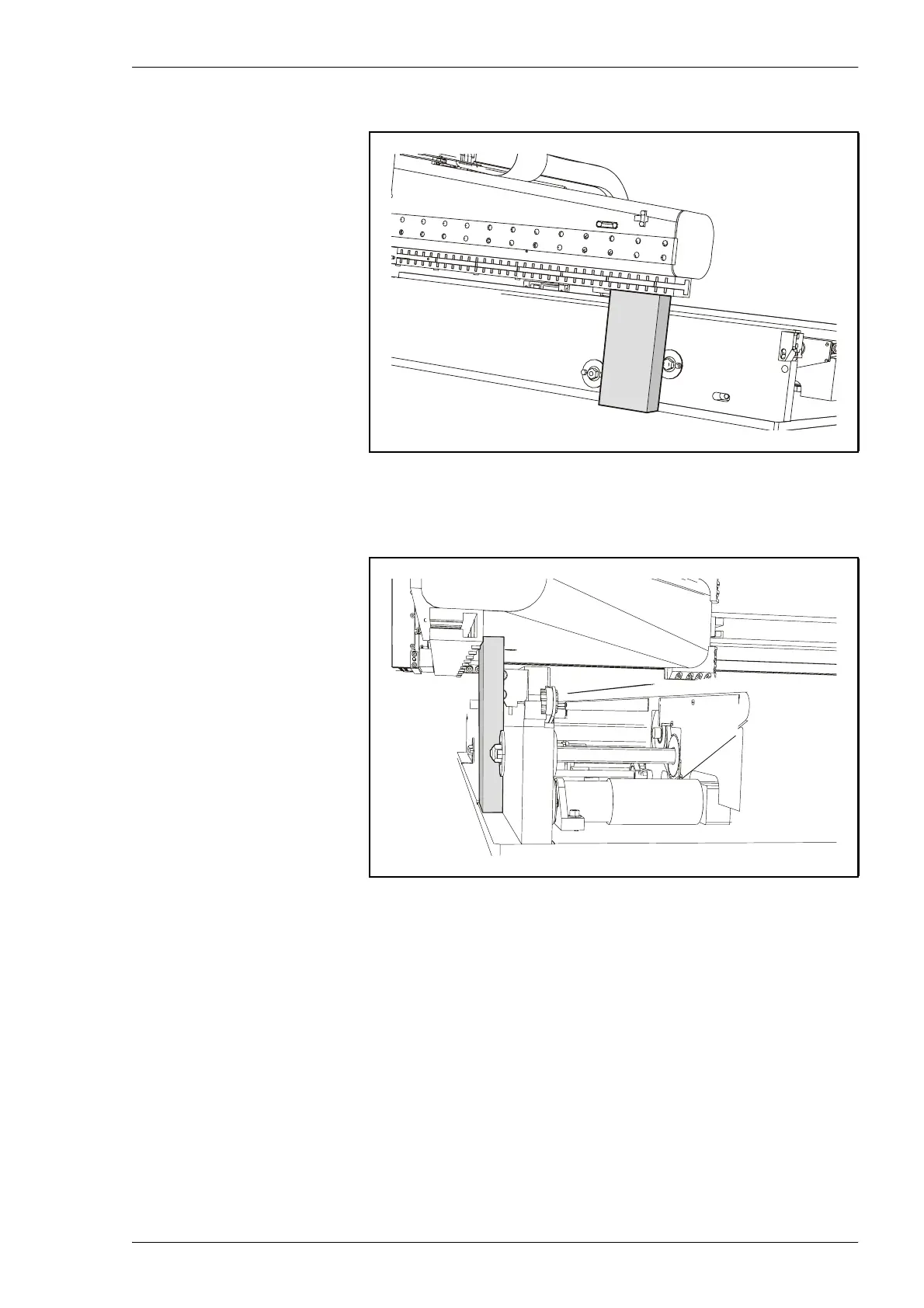
2. Pull the Y beam slighltly forward, and remove the lock, see 2-18.
The lock is placed behind the bottom magnet on the Y beam, but in frot
of the conveyor.
Figure 2-18. Transport lock.
Figure 2-19. Transport lock.



 To Next Page