Routine Maintenance MY500 JetPrinter MYDATA
5 - 12 Rev. 0003 2008-06 P-030-0014-EN – Service Manual
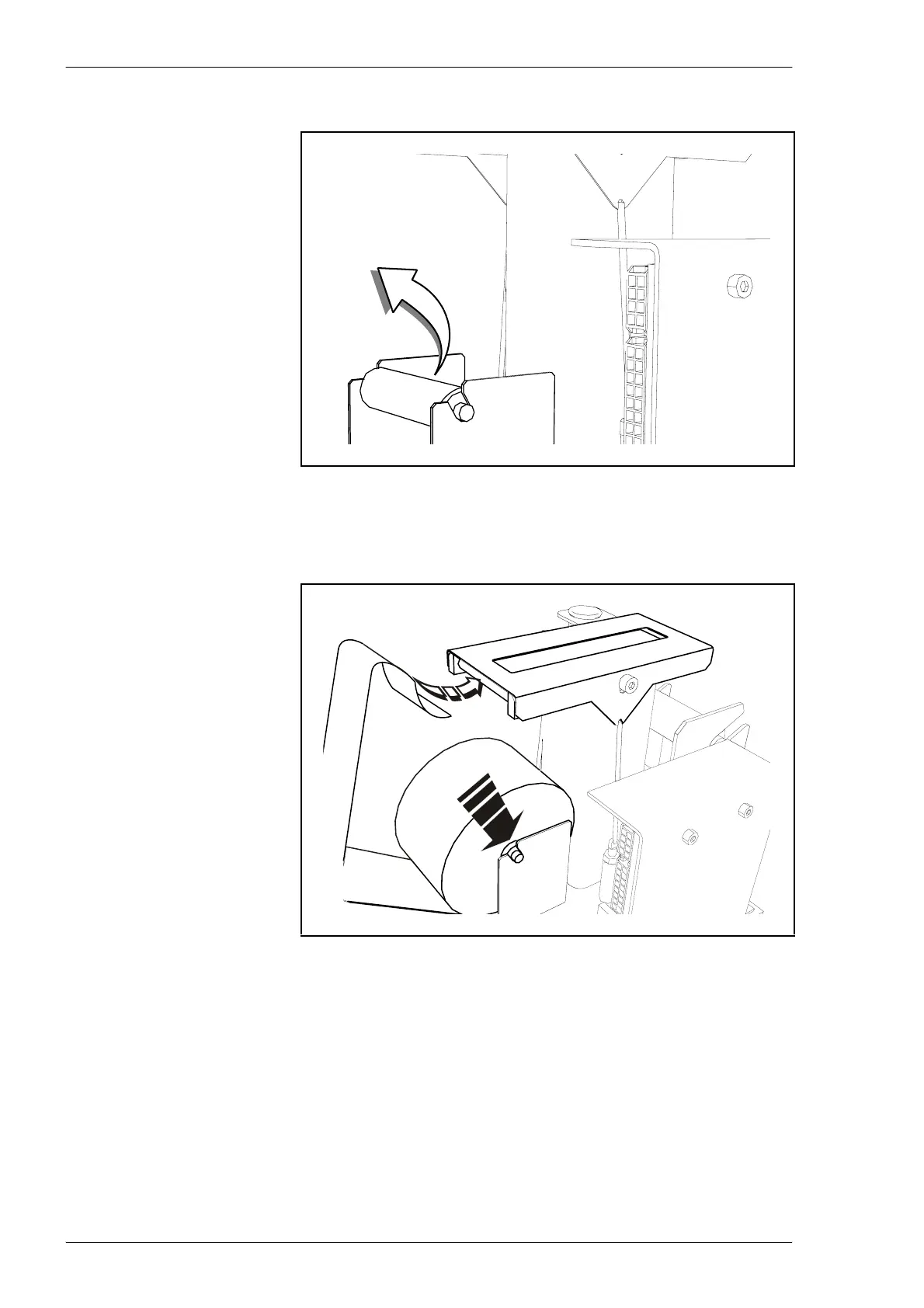
1. Remove the empty roll and spent paper.
2. Push a new paper roll onto the first shaft and place it in the holder. Feed
the paper into the slot in the paper guide and pull it through.
Be carefull not to damage the metal sheet when you pull the paper
through the paper guide.



 To Next Page