103
Cirrus LT Plus User Manual v1.2 - Chapter 4
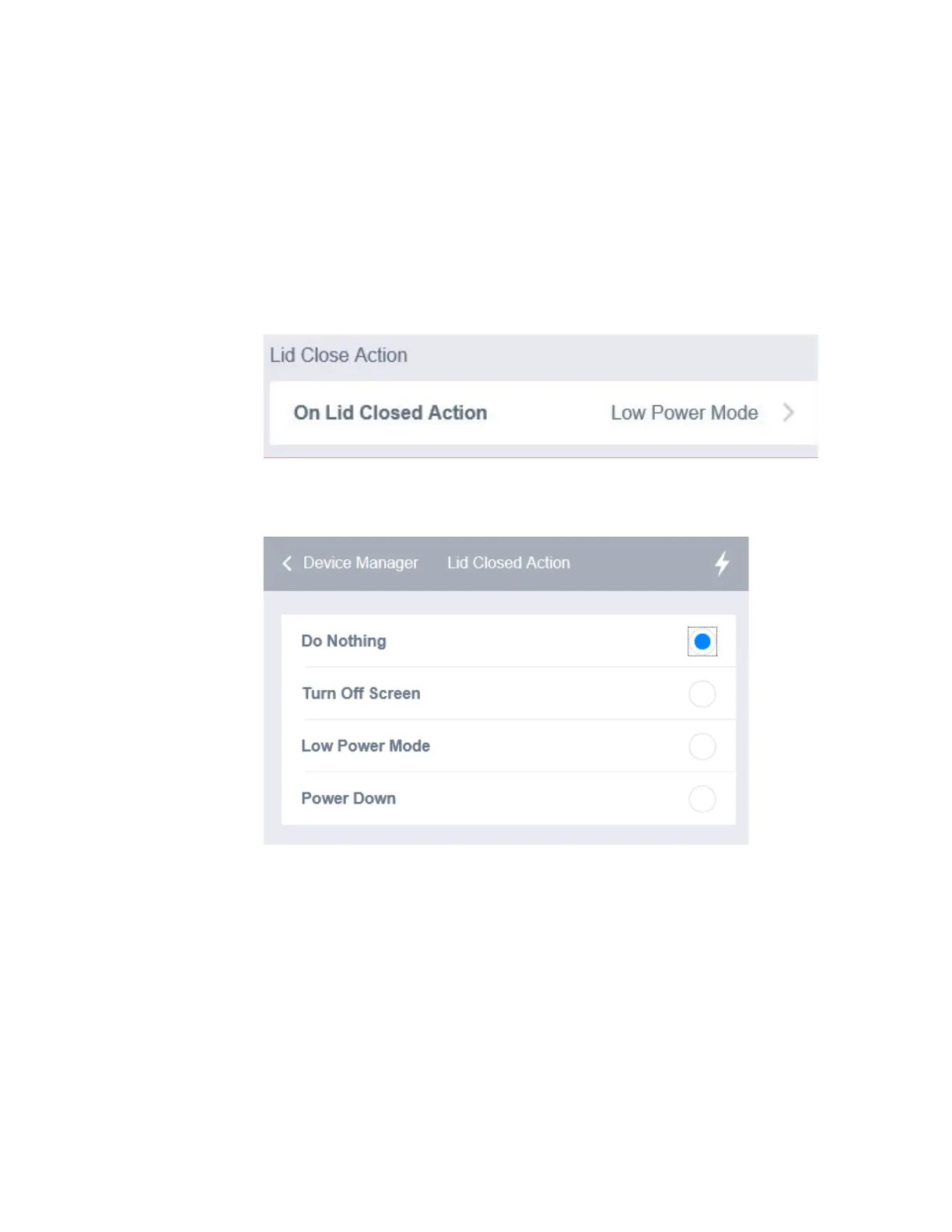
On Lid Close
You can determine what the notebook does when you close the lid. You can set
your notebook to turn off the screen, enter sleep mode, or power down once the
lid has been closed.
To configure the On Lid Close settings:
1. Click the Display Settings submenu.
2. Select On Lid Closed Action.
3. Select one of the options below.



 To Next Page