48 Cirrus LT Plus User Manual v1.2 - Chapter 4
Main Menu
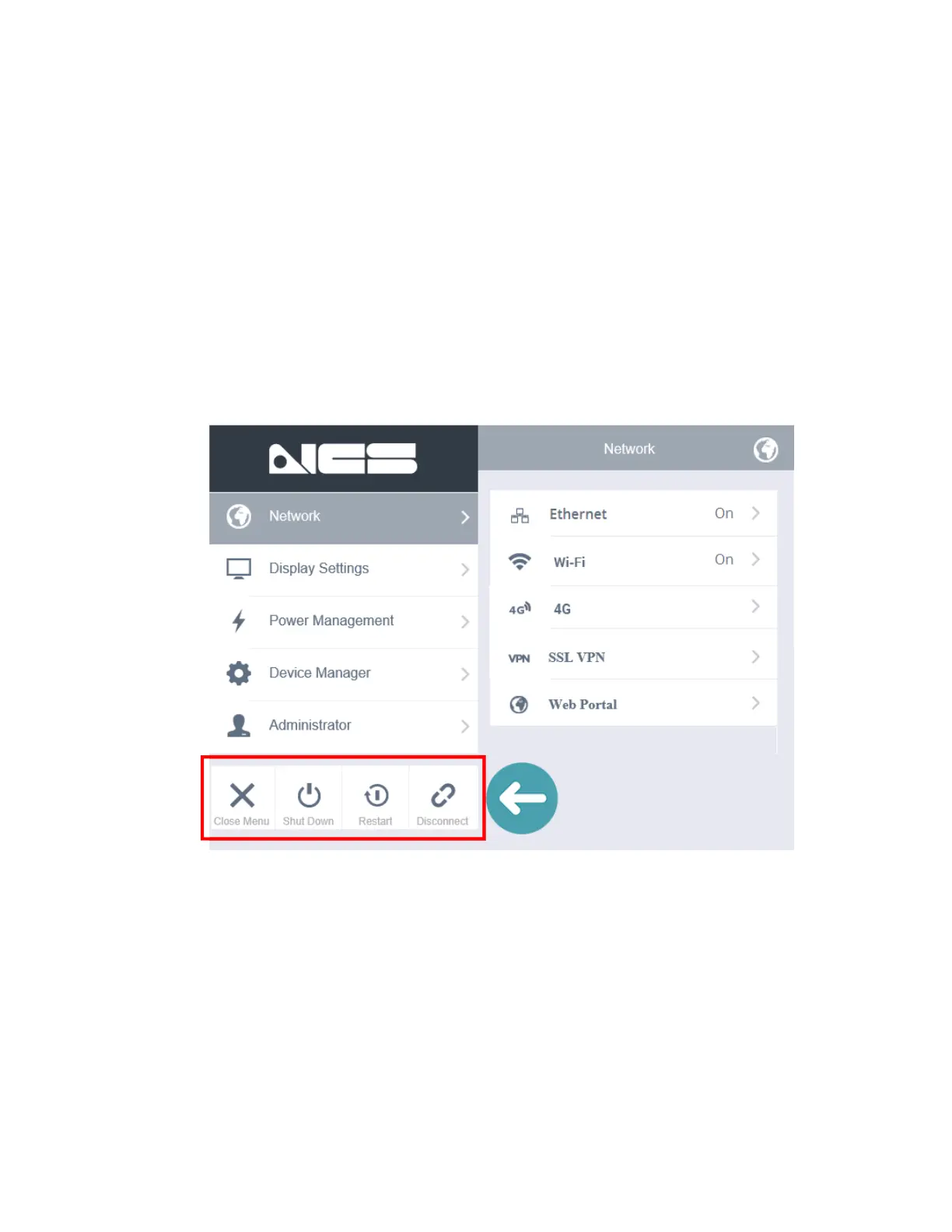
The main menu has the following items:
• Network: For changing network connectivity settings
• Display: For changing the display options and modes
• Power Management: For configuring OSM, Low Power Mode, and Sleep Timing
Preferences
• Device Manager: For configuring speaker volume, webcam, and touchpad
settings
• Administrator: For configuring authentication credentials of local and
administrator accounts and other administrator settings
The bottom left of the main menu (highlighted above) also allows you to close
the menu, shut down the system, restart the system, and connect/disconnect
from the remote session.



 To Next Page