109
Cirrus LT Plus User Manual v1.2 - Chapter 4
Administrator settings
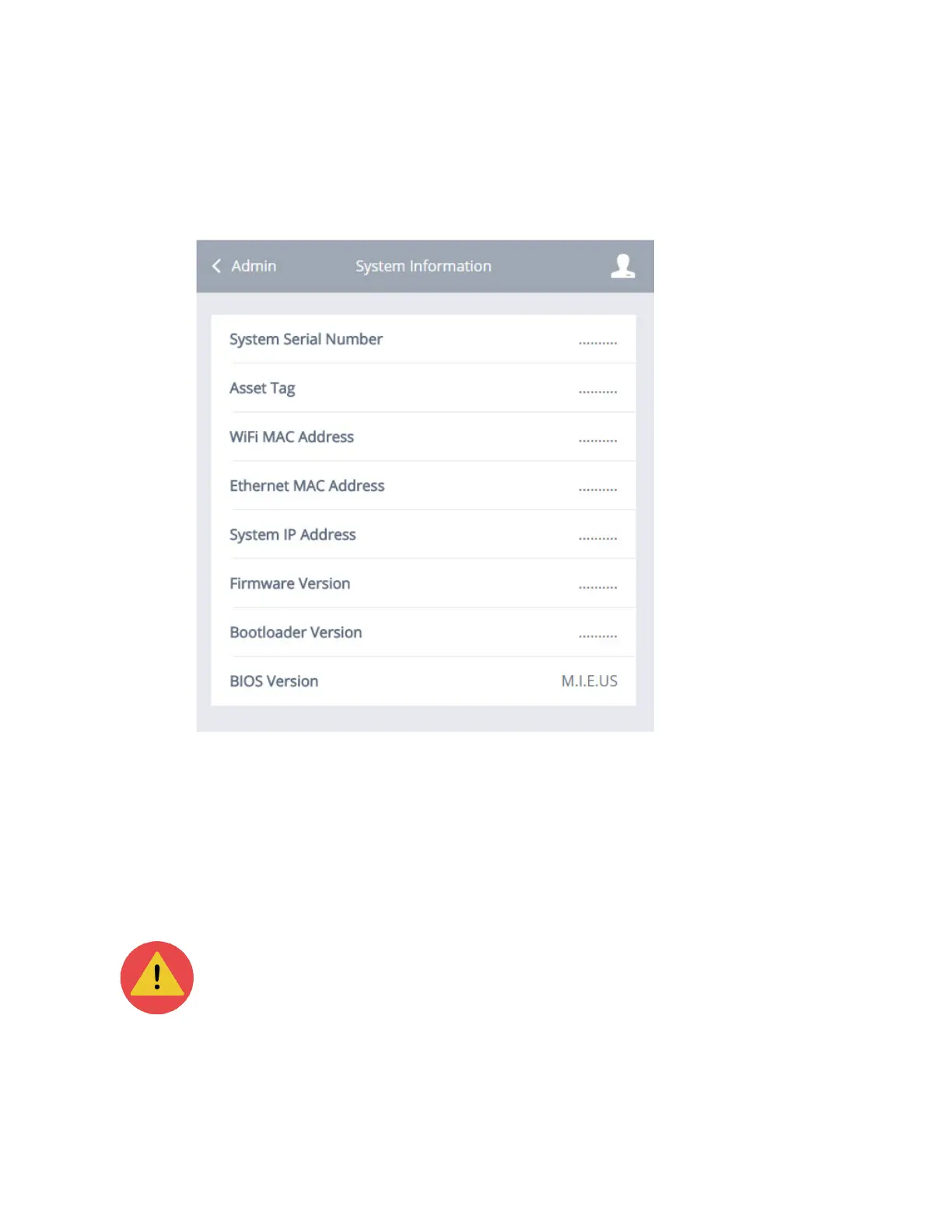
The administrator settings enable you to allow or disallow saving WiFi pass-
words and web portals, change the asset tag, change admin and user credentials,
and view system info.
Allow saving WiFi pwassword
To allow or disallow the saving of WiFi passwords:
1. Click the Administrator submenu.
2. Click the box next to Allow Saving WiFi Passwords.
Allowing the saving of WiFi passwords will make the system less secure.



 To Next Page