140 Cirrus LT Plus User Manual v1.2 - Chapter 10
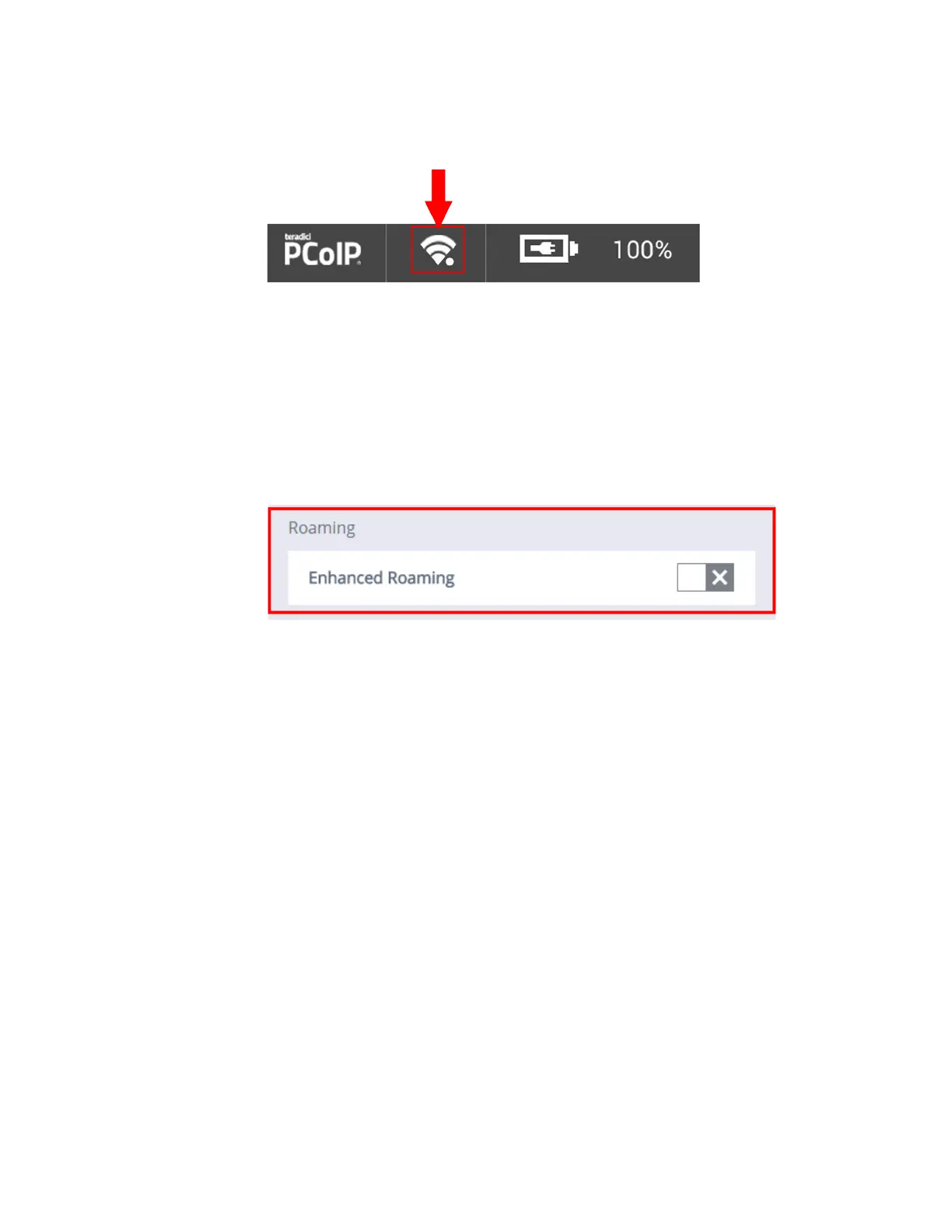
4. When Enhanced Roaming is enabled, a white dot appears next to the WiFi
icon, as shown below.
Disabling Enhanced Roaming
To disable Enhanced Roaming from the OSM Main Menu:
1. Click on Network > WiFi.
2. Click the box next to Enhanced Roaming. When the gray ‘X’ is selected,
Enhanced Roaming will be disabled.



 To Next Page