40 Cirrus LT Plus User Manual v1.2 - Chapter 3
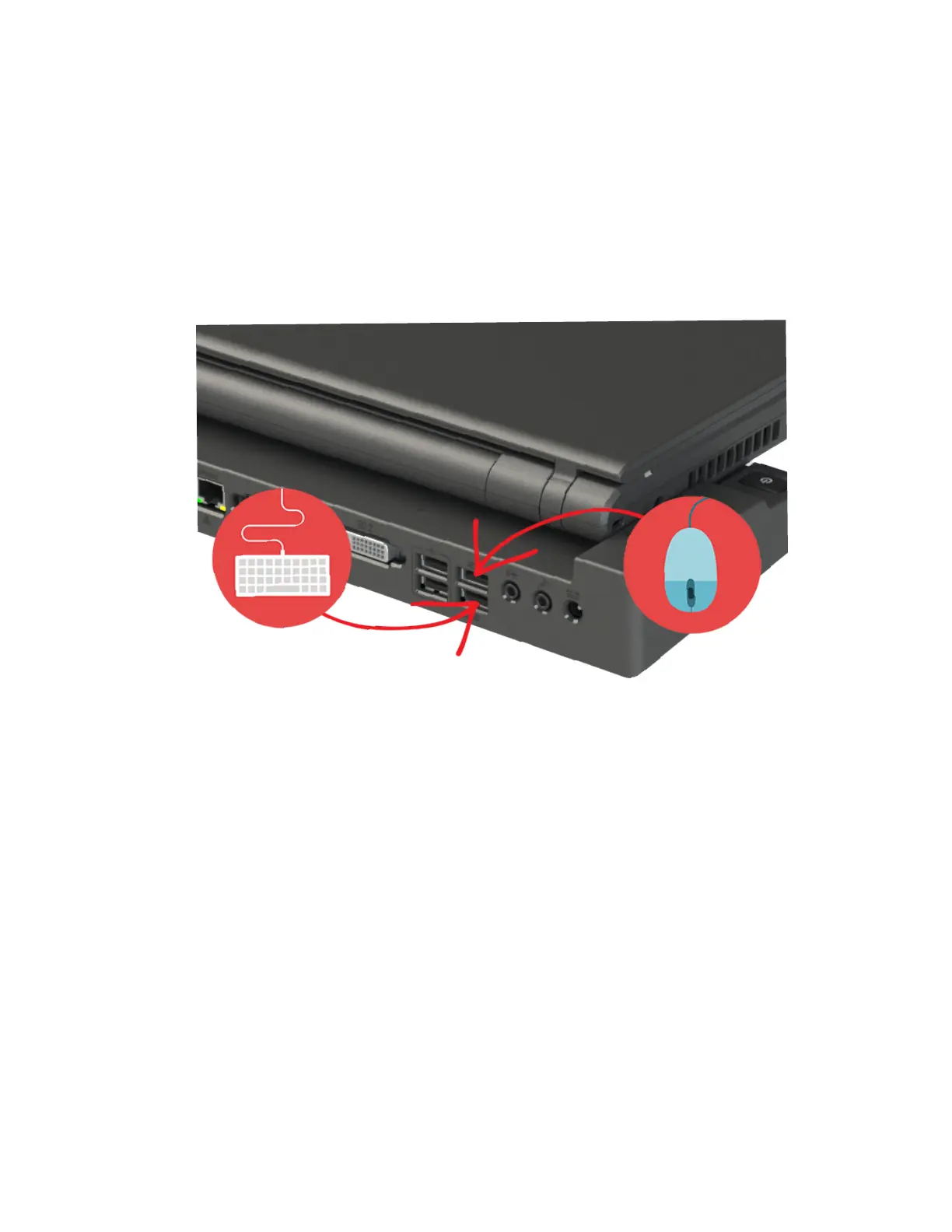
USB port functionality while notebook is docked
While the Cirrus LT Plus is docked with the docking station, the notebook’s
dedicated USB keyboard and mouse ports will not work; only the correspond-
ing ports of the docking station remain active (highlighted below) while docked.
These ports are labeled with an icon of a mouse and a keyboard. However, the
two PCoIP and charging ports on the notebook will still work giving you a total
of 6 working USB Ports when using the docking station and two charging USB
ports.
Hotdocking
Hot-docking (placing the Cirrus LT Plus on the docking station while the Cirrus
LT Plus has power) is now fully supported.



 To Next Page