80 Cirrus LT Plus User Manual v1.2 - Chapter 4
Brightness
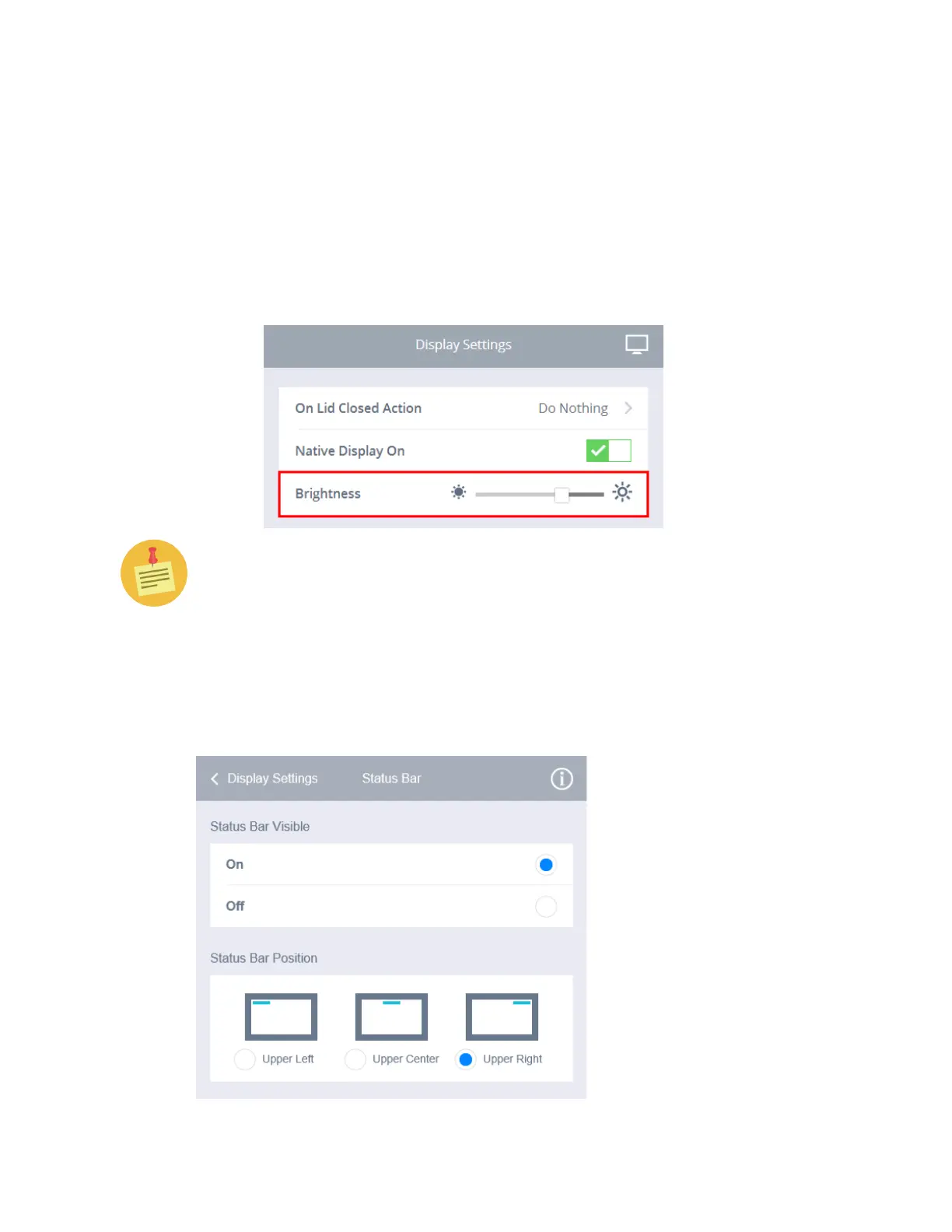
To increase or decrease screen brightness:
1. Click the Display Settings submenu.
2. Toggle the Brightness slide left or right until you reach your desired
screen brightness. Moving the slide to the right will increase the bright-
ness, and moving the slide to the left will decrease the brightness. Al-
ternatively, you can decrease screen brightness by pressing Fn-F2 or in-
crease it by pressing Fn-F3.
Lowering the screen brightness can save battery life!
Status Bar
The status bar submenu allows you to control the visibility and position of the
status bar.



 To Next Page