81
Cirrus LT Plus User Manual v1.2 - Chapter 4
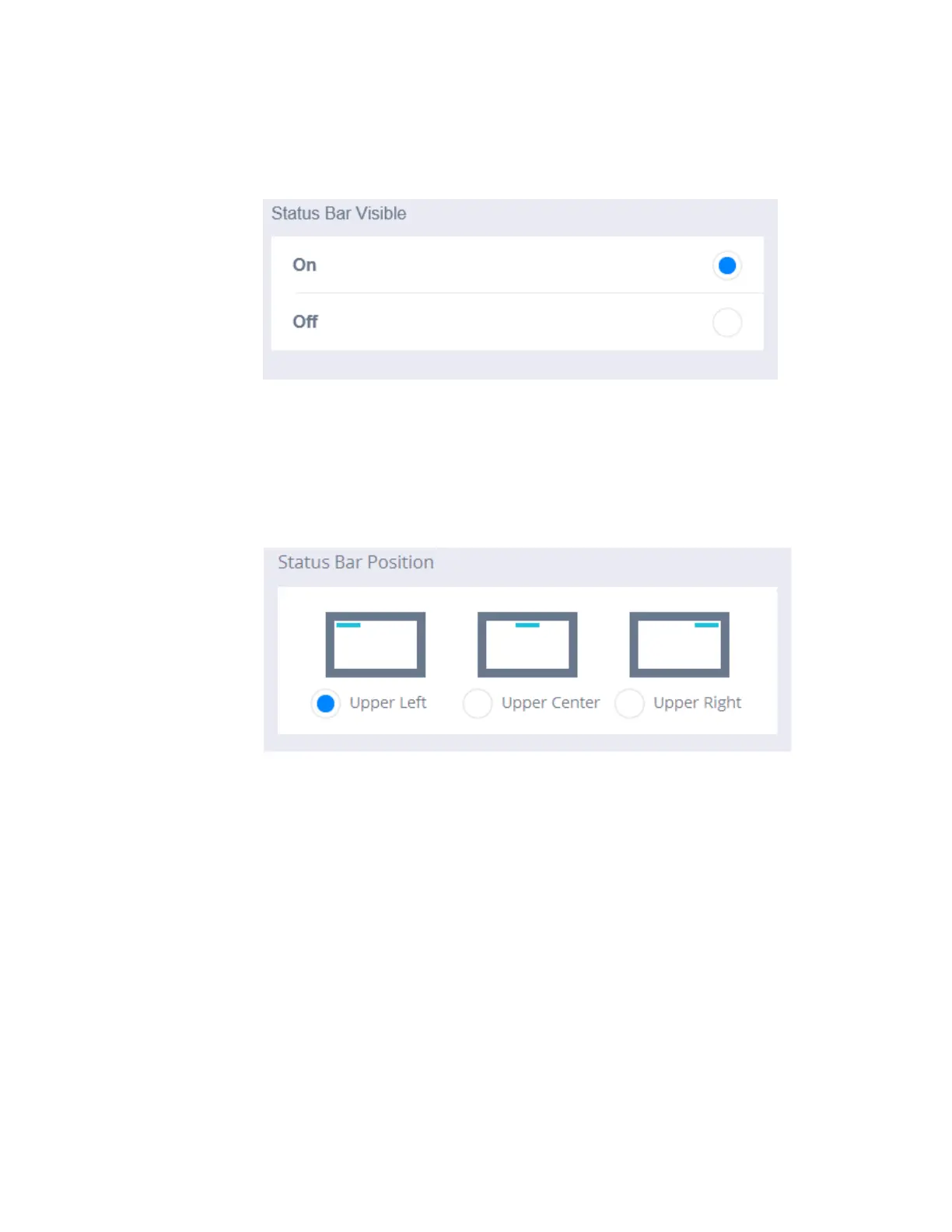
To change the status bar visibility:
1. Click the Status Bar submenu.
2. Under the Status Bar Visible section, choose On or Off.
To change the status bar position:
1. Click the Status Bar submenu.
2. Under the Status Bar Position section, choose Upper Left, Upper Center,
or Upper Right.



 To Next Page