50 Cirrus LT Plus User Manual v1.2 - Chapter 4
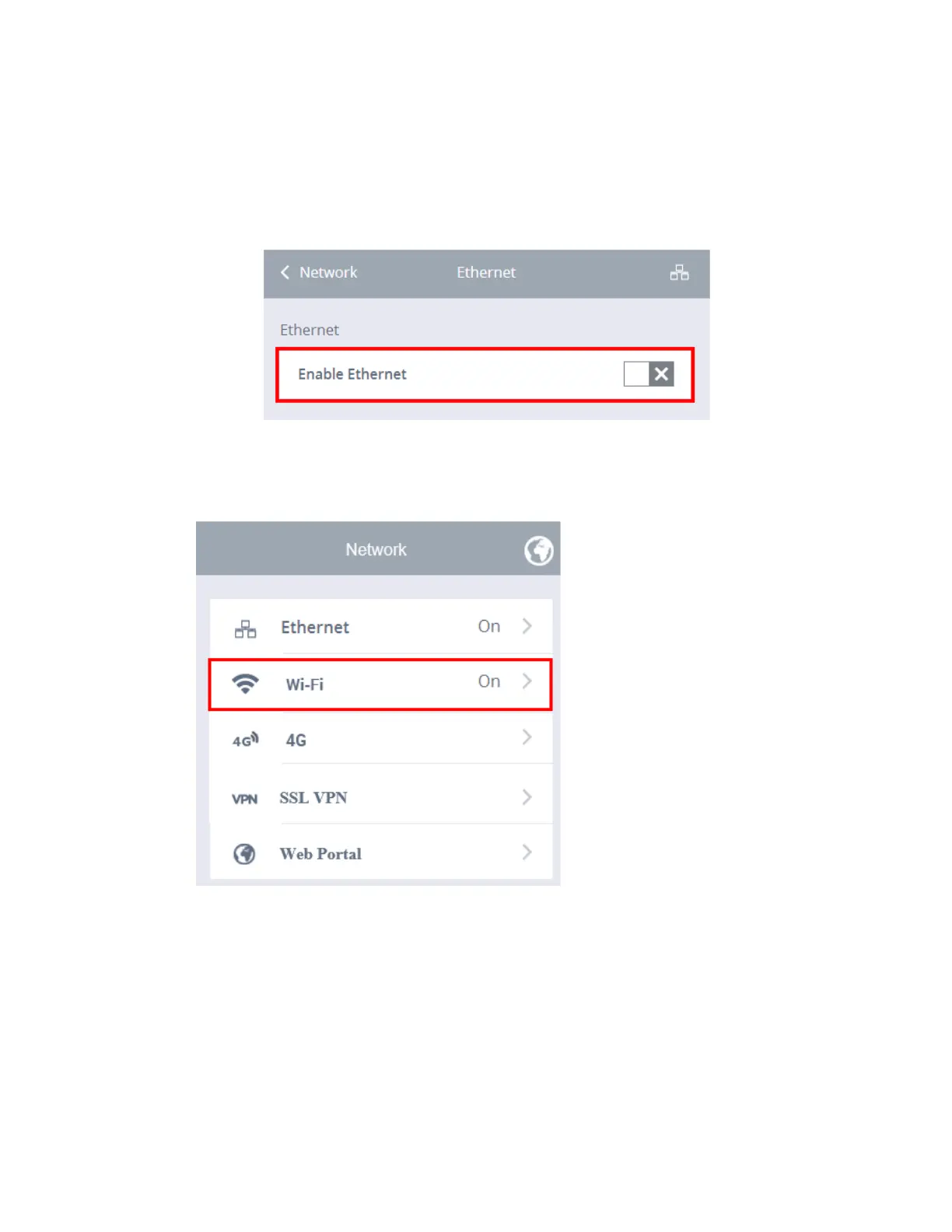
To disable the Ethernet:
1. Click the Network submenu.
2. Select Ethernet.
3. Click the Enable Ethernet selection box. A gray “X” signifies that Ethernet
has been disabled.
WiFi
All wireless configuration is done in these menus. You can enable or disable
wireless entirely. If you want to auto connect to the same set of wireless LANs
(WLANs) you can save those for auto connection at a later time (this can also be
disabled in the Administrator menu). Once connected to a WLAN, you can see
signal strength and the IP Address obtained.



 To Next Page