102 Cirrus LT Plus User Manual v1.2 - Chapter 4
Device Manager
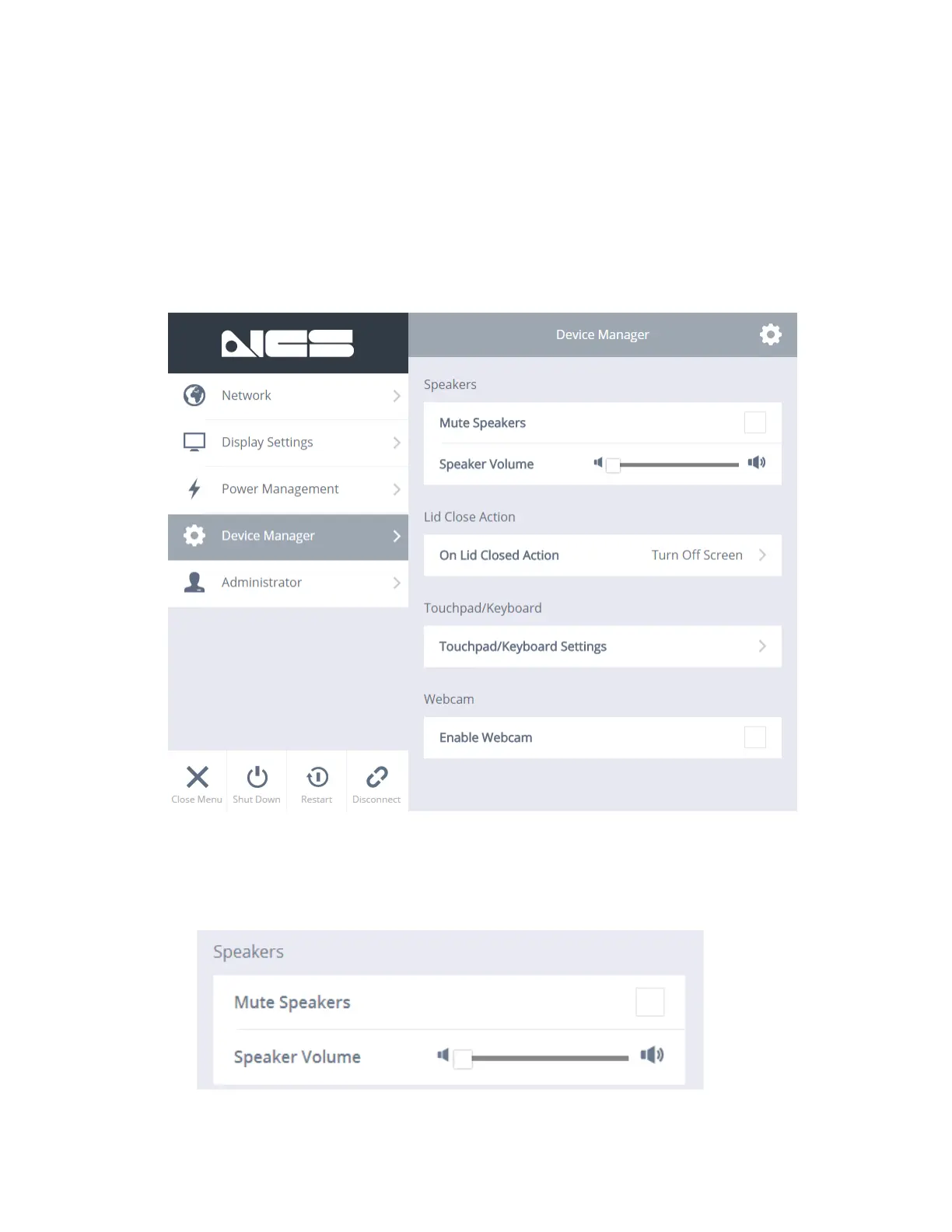
The Device Manager allows you to do a number of things, including muting or
controlling the speaker volume, determine what the notebook does when you close
the lid, turning the touchpad on or off, enabling or disabling Tap and Gesture, and
enabling or disabling the webcam.
Speakers
You can mute the speakers or adjust the speaker volume.



 To Next Page