138 Cirrus LT Plus User Manual v1.2 - Chapter 10
Chapter 10: Configuring advanced
WiFi roaming
If you are using Cirrus LT Plus in an environment that has one large WiFi network
with many Access Points (APs) and you expect the Cirrus LT Plus to quickly roam
from one AP to the next within the same WiFi network (with same SSID) and it
isn’t; then you will need to configure Enhanced Roaming on the Cirrus LT Plus. To
clarify, this is not meant to enhance roaming from one WiFi network to another
with different SSIDs.
The minimum requirements to use Enhanced Roaming include:
• Cirrus LT Plus v1.3.0 Firmware or newer
• Cirrus Management Console v1.0.6
• Teradici Firmware v4.8.0 (recommended).
Enabling/disabling Enhanced Roaming via the
OSM Main Menu
Enabling Enhanced Roaming
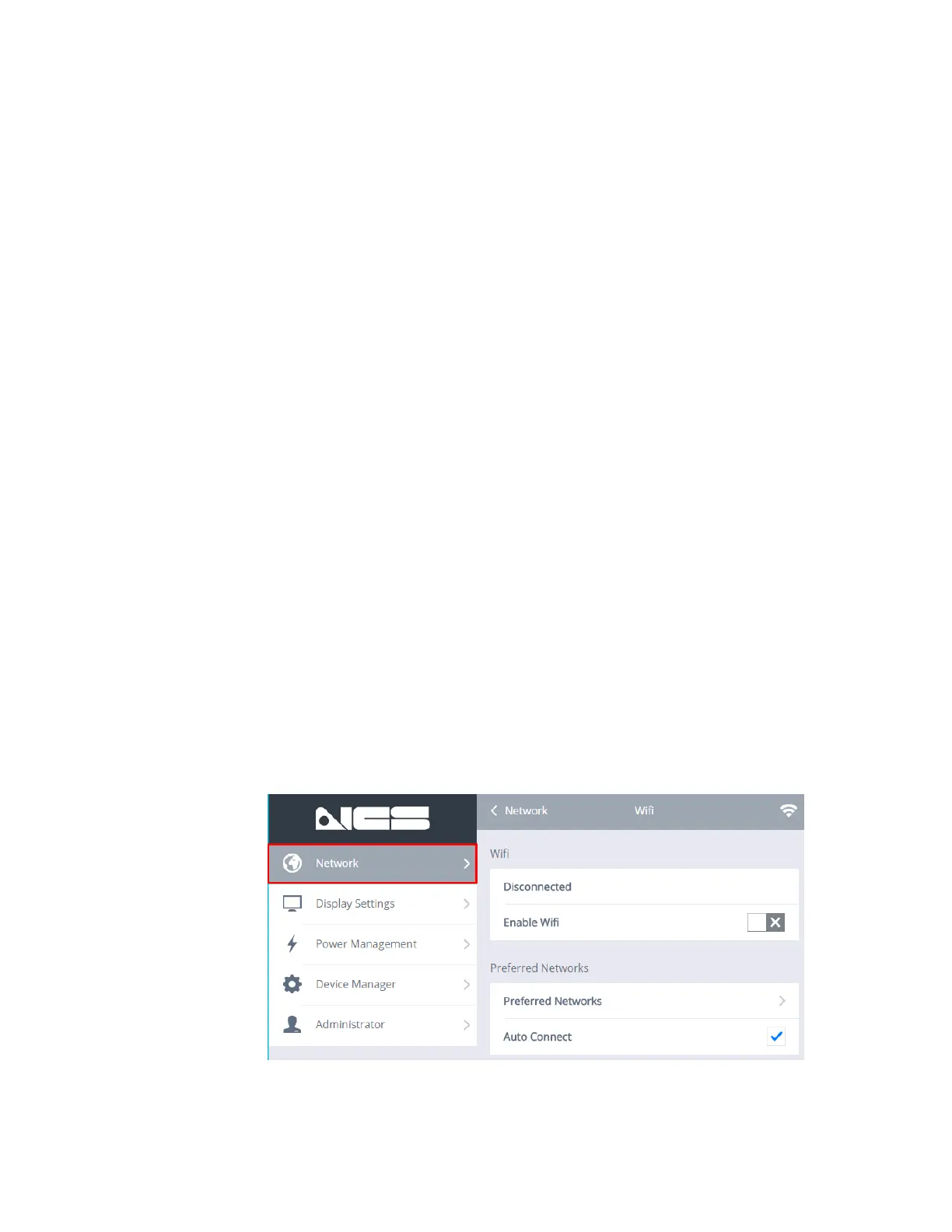
To enable Enhanced Roaming from the OSM Main Menu:
1. Click on Network > WiFi.



 To Next Page