107
Cirrus LT Plus User Manual v1.2 - Chapter 4
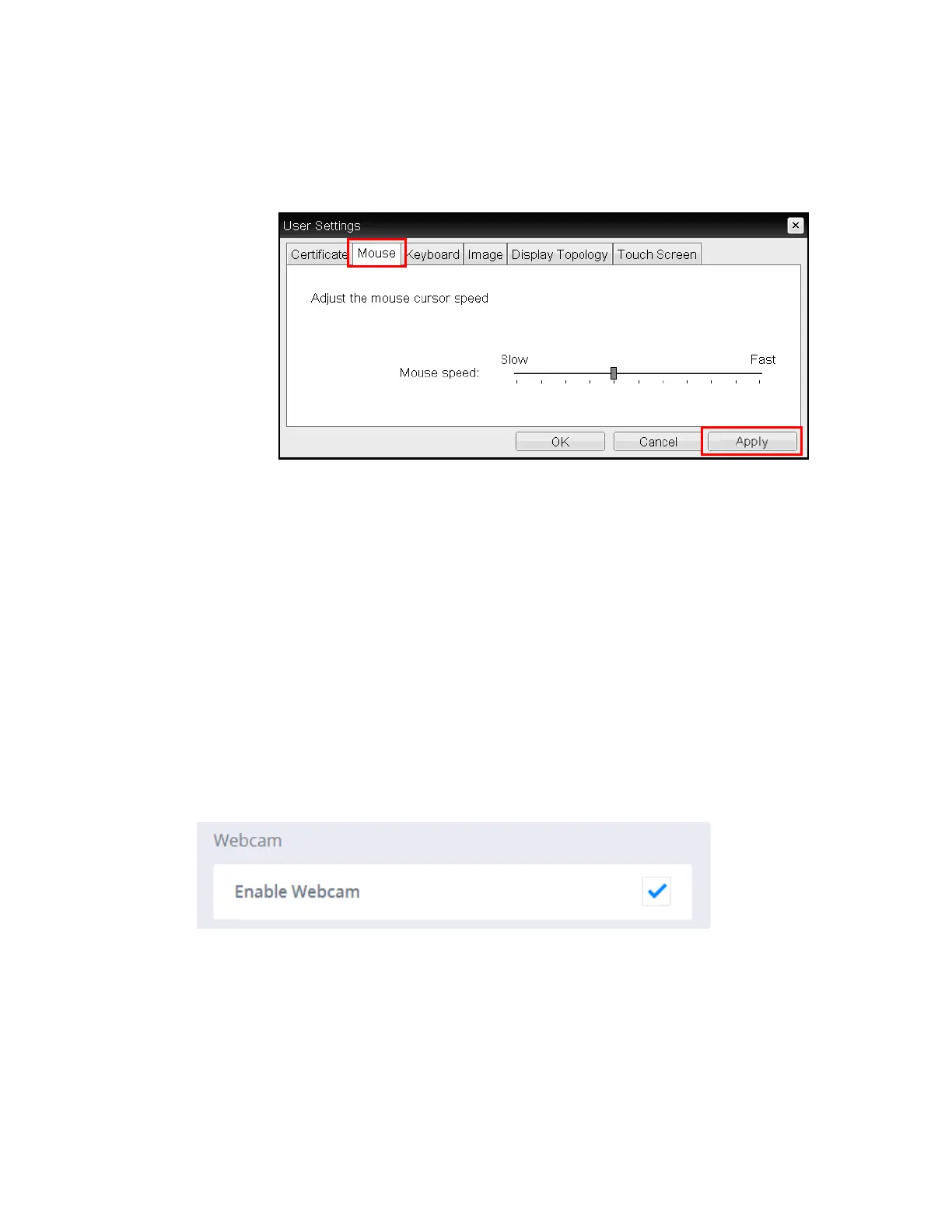
2. Click on the Mouse Tab.
3. Use the slider to decrease or increase the Cirrus LT Plus’ touchpad sen-
sitivity.
4. When you are done click the ‘Apply’ button, then ‘OK’ to exit back to the
Teradici Main Window.
You can also configure the mouse cursor speed through the PCoIP host soft-
ware. For more information, see the “PCoIP® Host Software for Windows User
Guide” (TER1008001).
Webcam
You can enable or disable the webcam by clicking the box next to Enable Web-
cam or by pressing Fn-F12.



 To Next Page