44 Cirrus LT Plus User Manual v1.2 - Chapter 3
Docking station audio subsystem
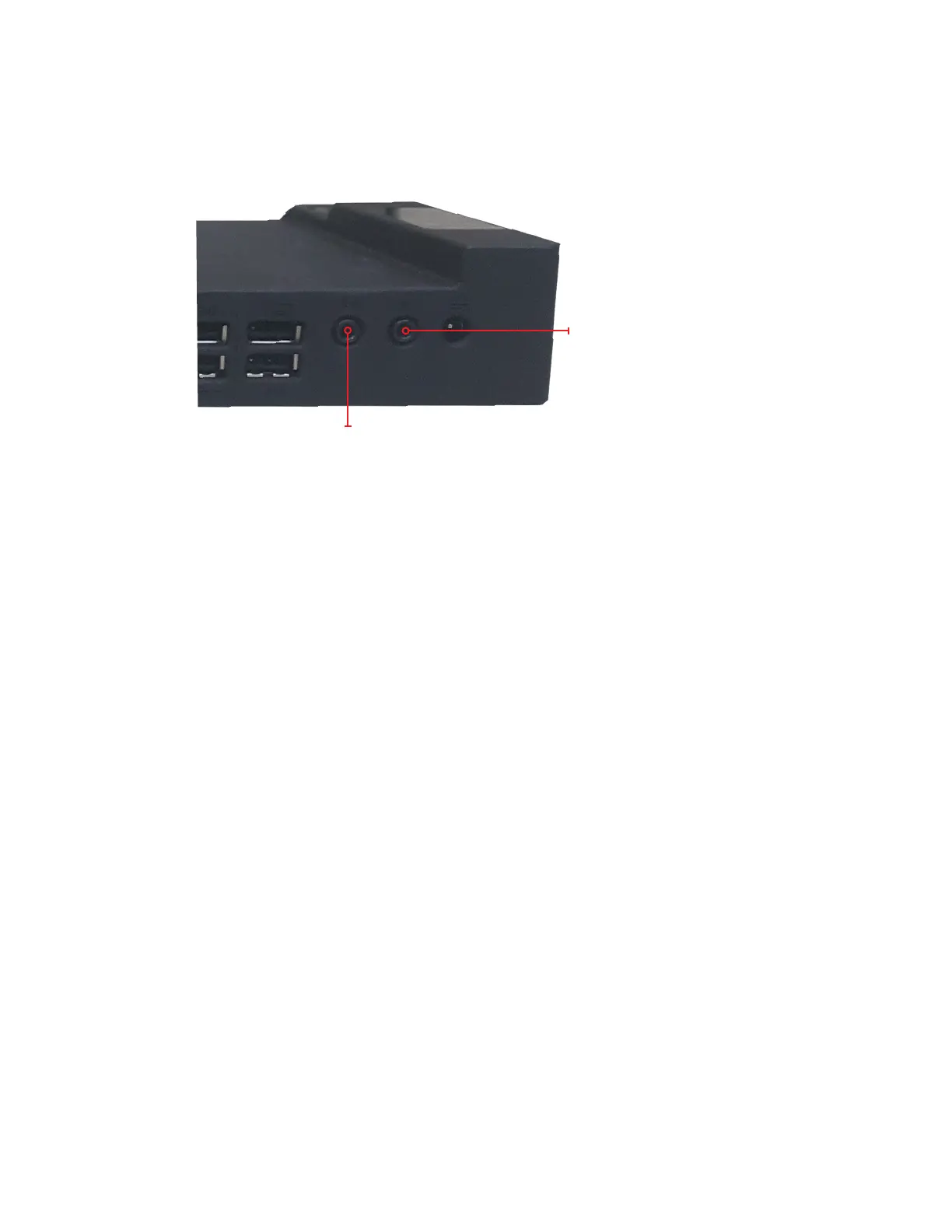
The Cirrus LT Plus docking station has a line-out port (located on the rear right
side) which is intended to be connected to desktop speakers (see below).
Speaker jack
Microphone jack
The docking station microphone jack is a replica of Cirrus LT Plus microphone
jack to support traditional analog microphones only.
Priority of the audio plugs while docked are as follows:
• By default, audio will be output to the built-in speakers when Headset/Line-out
port is not used. If a webcam is installed, the webcam mic can be used for applica-
tions like Skype.
• When the line-out port on the docking station is connected to an external speak-
er, this port will get priority and internal speakers will not produce sound. Simi-
larly, docking station microphone port will get priority when used over the ports
on the Cirrus LT Plus.
• When the docking station ports are not used, the Cirrus LT Plus audio ports and
speakers will have priority.



 To Next Page