113
Cirrus LT Plus User Manual v1.2 - Chapter 5
Chapter 5: Opening and configuring
the Teradici Firmware menu
Teradici will continually revise their Firmware. As a result, some screens
are subject to change.
To configure the Teradici Firmware:
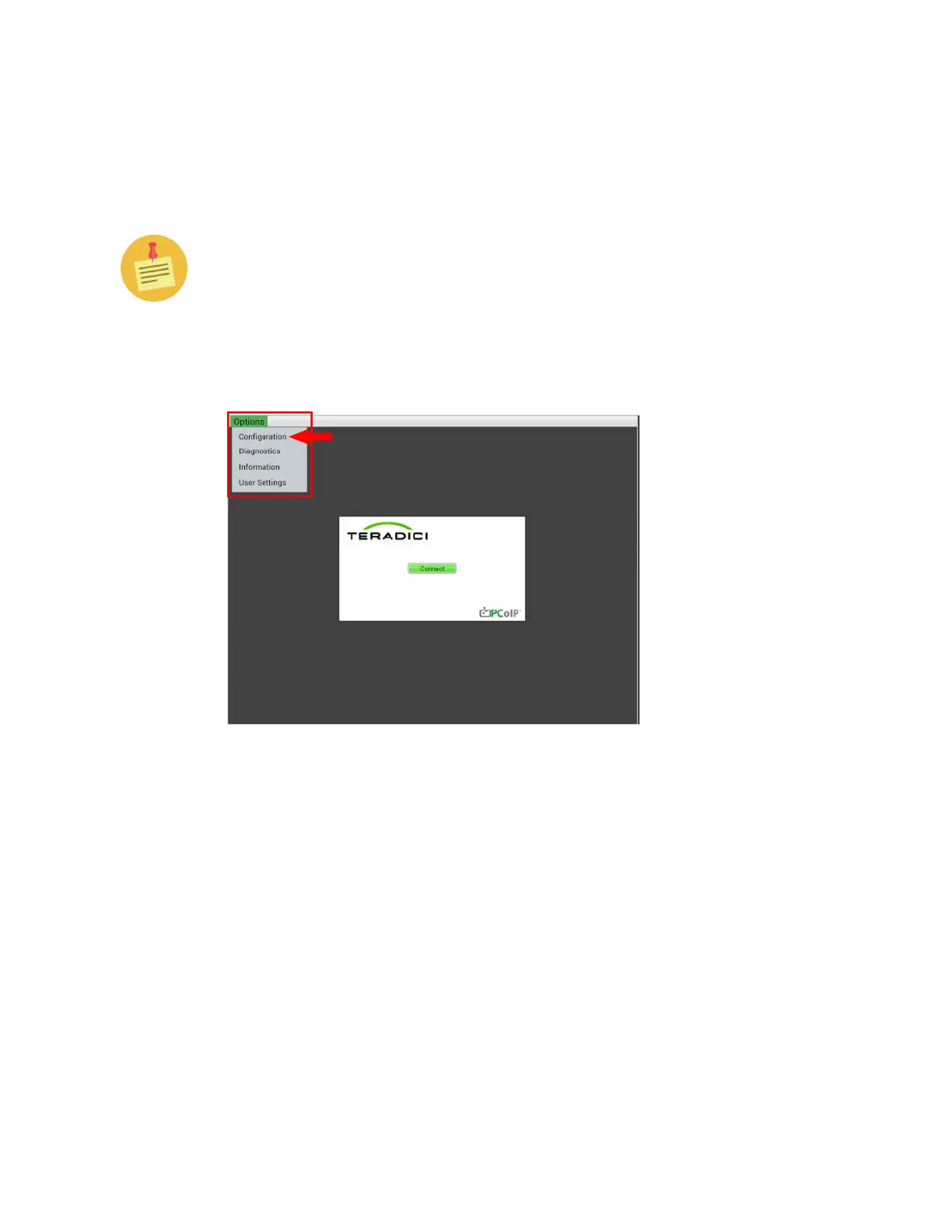
1. From the Teradici main window, select Options, then Configuration.



 To Next Page