154 Cirrus LT Plus User Manual v1.2 - Chapter 12
Chapter 12: Wake-on-LAN (WOL)
The Wake-on-LAN feature allows you to wake your notebook from a low power state by
sending a wake-up network packet to the network from either a third party software or the
Cirrus Management Console.
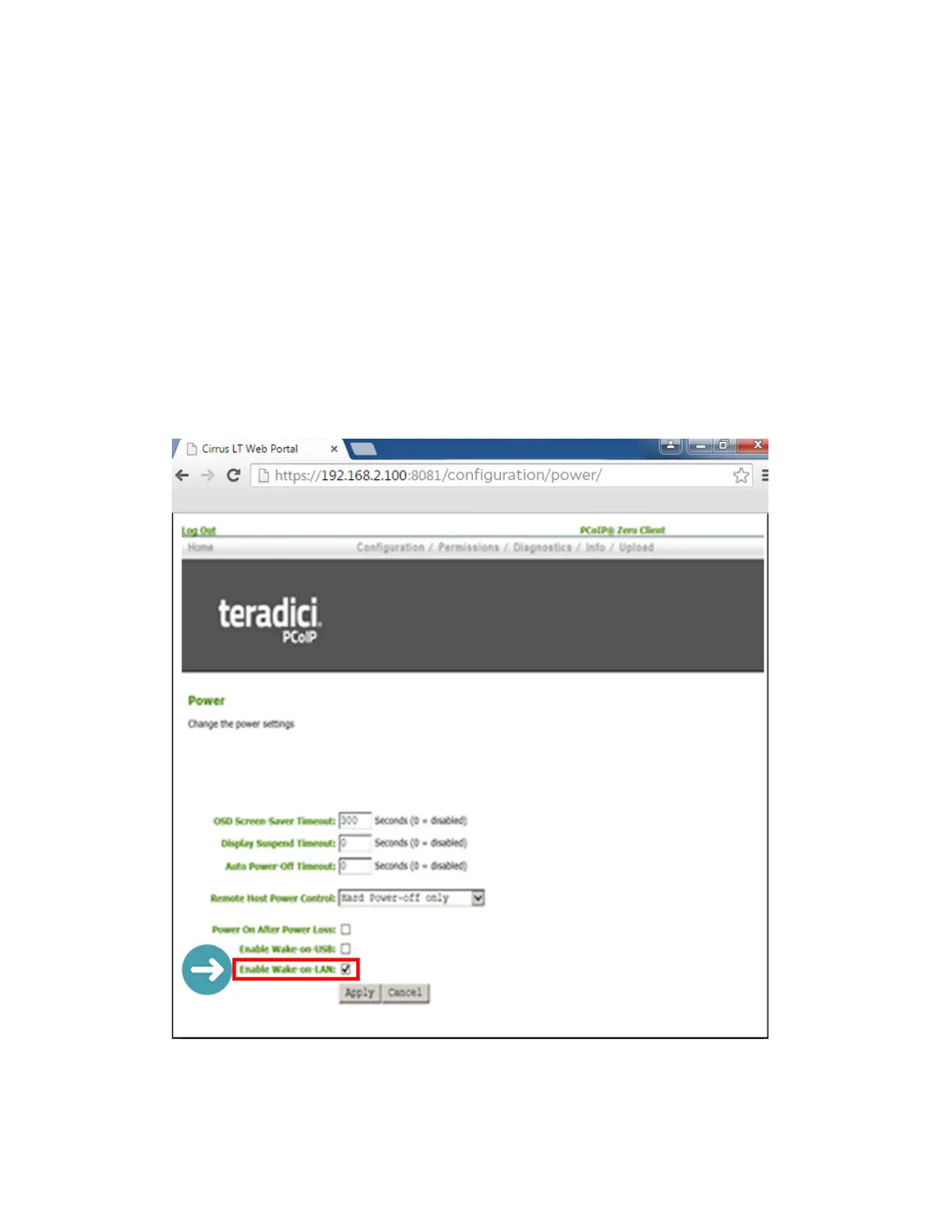
To configure the Wake-on-LAN (WOL) feature:
• From another computer, using a browser, enter the IP address of the Cirrus LT Plus
in the address to view the Teradici web GUI or Administrator Web Interface (AWI).
• Click Configuration then Power.
• Click the Enable Wake-on-LAN check box, then click Apply, as shown below.



 To Next Page