22 Cirrus LT Plus User Manual v1.2 - Chapter 2
Removing the SIM card
To remove your SIM card from the Cirrus LT Plus, follow the steps below:
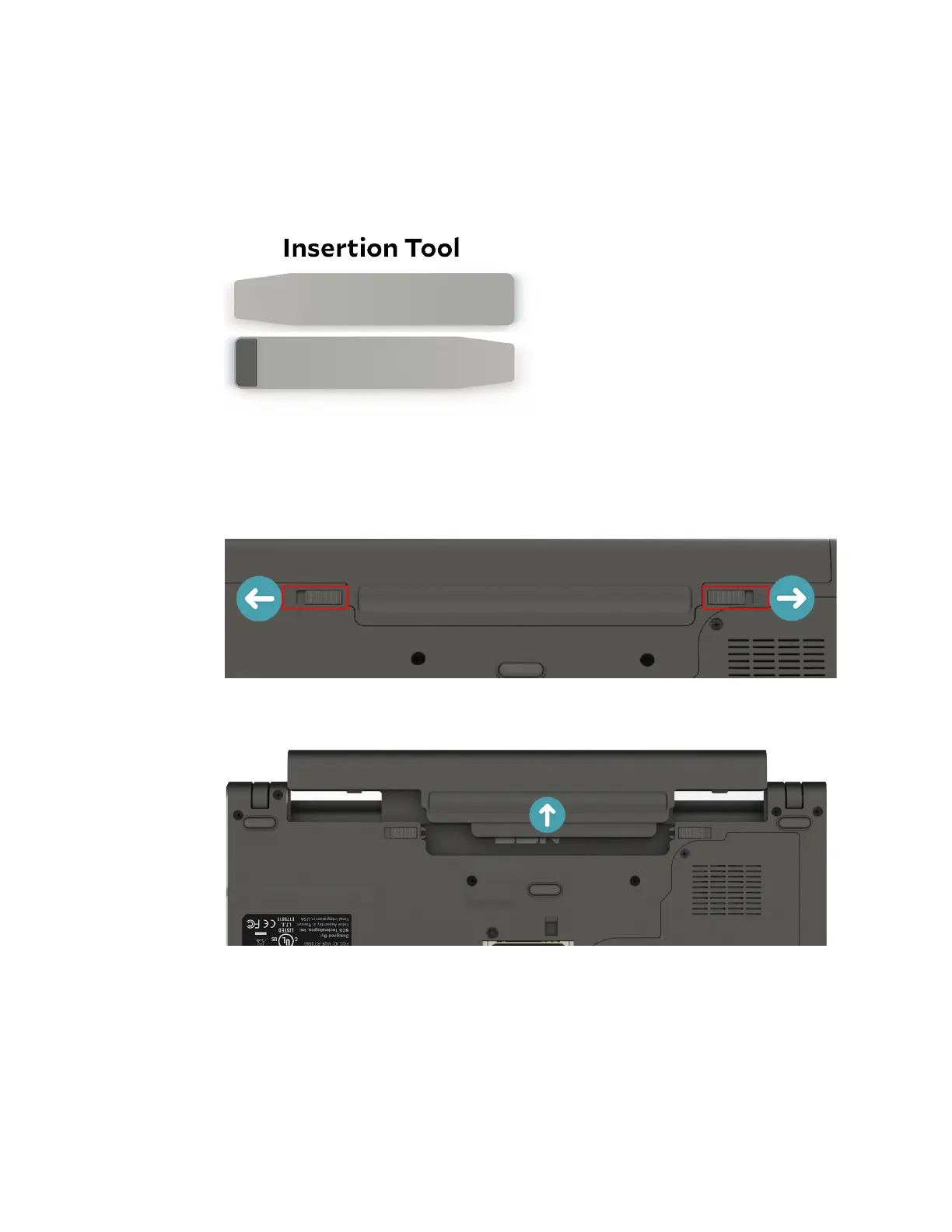
1. Make sure you have the insertion tool included with your Cirrus LT Plus
packaging.
2. Remove the Cirrus LT Plus’ external battery from the notebook bottom by
sliding the tabs to the unlocked position.
3. Remove the battery.



 To Next Page