112 Cirrus LT Plus User Manual v1.2 - Chapter 4
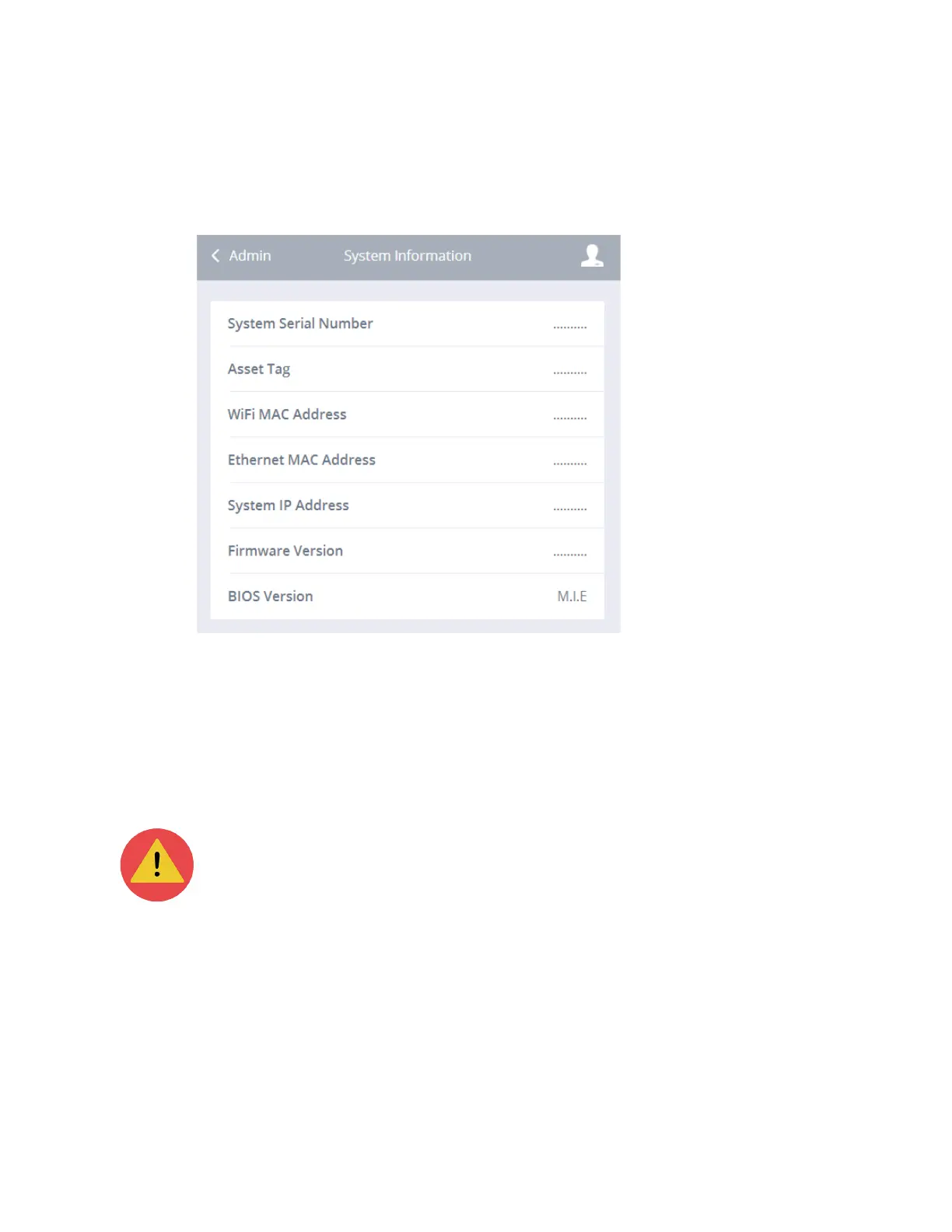
System info
The system info shows you the system serial number, the asset tag, the WiFi
MAC address, the Ethernet MAC address, the system IP address, the Firmware
version, and the BIOS Firmware version.
Restore factory defaults
To remove all saved WiFi and user data on the device you can select the Restore
Default Settings and this will reset the device back to the way it was when it was
shipped from the factory.
This will remove all previously saved preferred WiFi networks and user
account passwords.
Admin log off
To log off:
1. Click the Administrator submenu.
2. Click Admin Log Off.



 To Next Page