76 Cirrus LT Plus User Manual v1.2 - Chapter 4
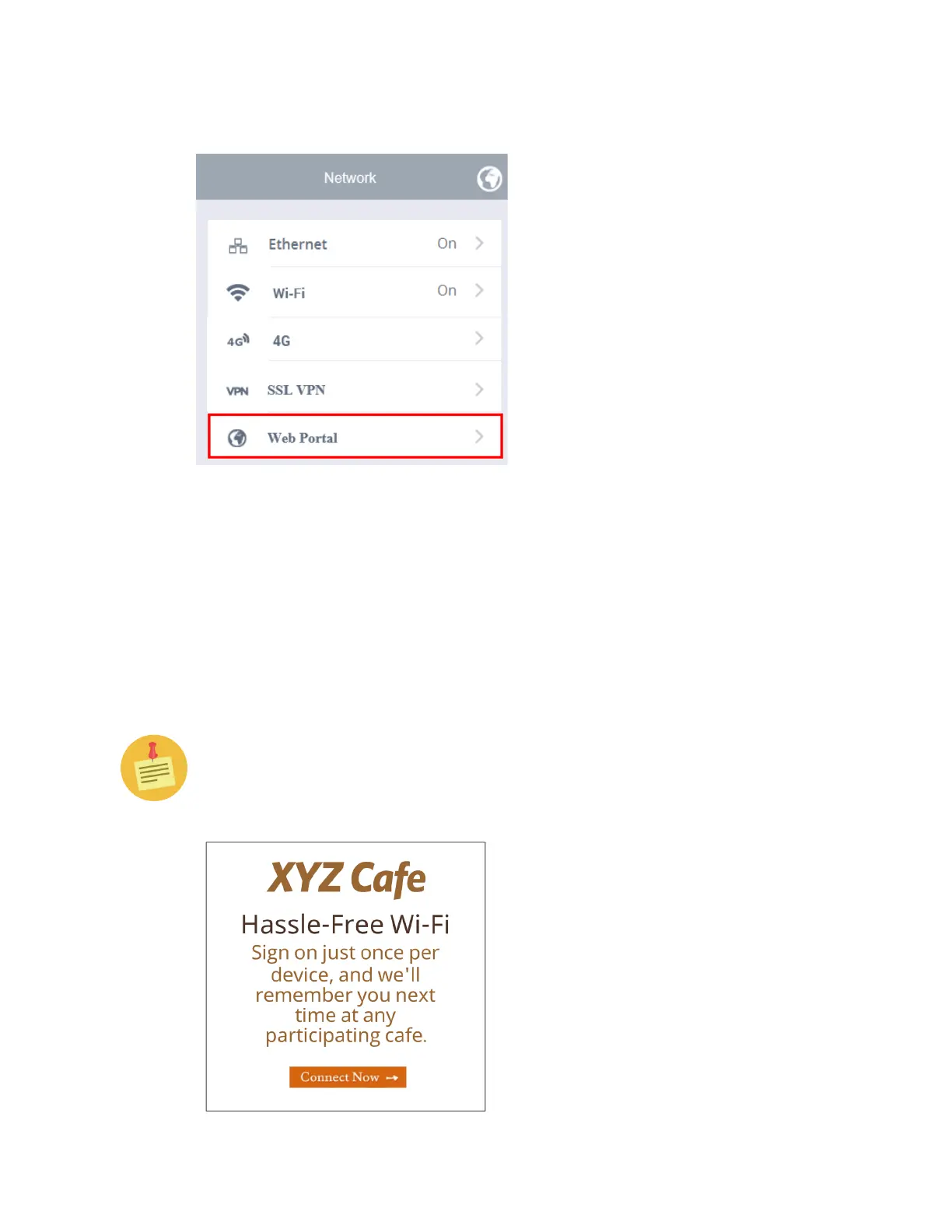
Web Portal
Some public WiFi networks will require you to confirm or authenticate to the
WiFi network via a web page. If this is the case you need to enable the Web
Portal (also known as a Captive Portal) feature under the administrator settings
in order for another window to pop up for you to interact with that WiFi net-
work’s web interface. To connect to a Public WiFi Open Network, you are often
presented with a web page to accept a usage agreement, like the example shown
below. In these cases, Cirrus LT Plus supports most of these types of authentica-
tion web pages.
The Cirrus LT Plus’ Network Settings are set to ‘Web Portal’ by default. If
for added security you want to disable this feature, you can in the Adminis-
trator submenu, described later in Chapter 4, under the “Administrator”
section.



 To Next Page