39
Cirrus LT Plus User Manual v1.2 - Chapter 3
Disconnecting from the docking station
To disconnect your notebook from the docking station:
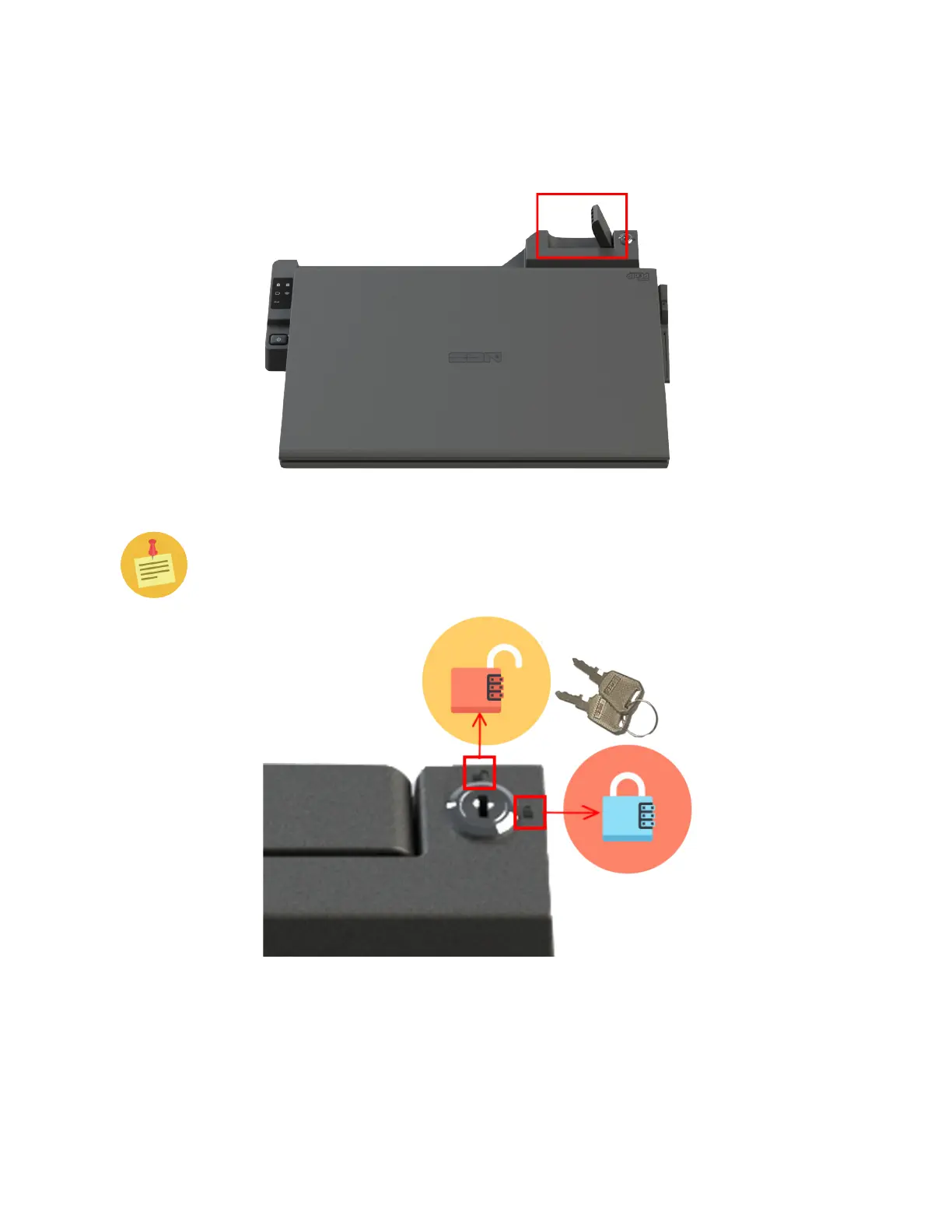
1. Pull up the black lever on the top right side of the docking station.
If the black lever won’t lift up, you will need to unlock the docking station
with the included keys (shown below) to remove the notebook. The release
lever will not lift up if locked.
2. Lift the notebook out of the docking station.



 To Next Page