95
Cirrus LT Plus User Manual v1.2 - Chapter 4
Low power mode
Enabling Low Power Mode
Turning on Low Power Mode will enable the two low power modes (Sleep Mode
and Auto Power Off). If Low Power Mode is turned off, Sleep Mode and Auto
Power Off will turn off and the unit will not enter sleep mode.
To turn on Low Power Mode:
1. Click the Power Management submenu.
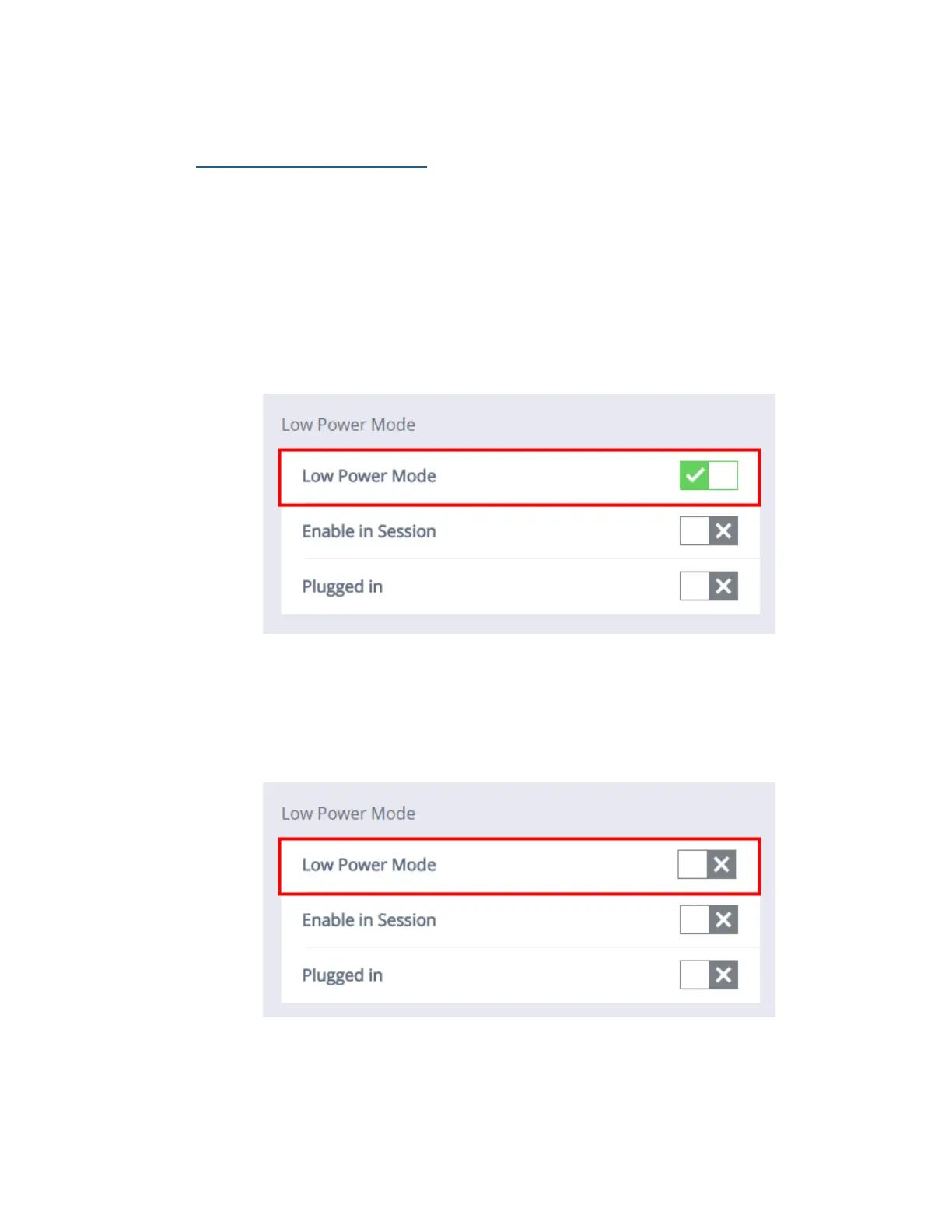
2. Click the box next to Low Power Mode. When the green ‘check mark’ is
selected, Low Power Mode will then be enabled.
To turn off Low Power Mode:
1. Click the Power Management submenu.
2. Click the box next to Low Power Mode. When the gray ‘x’ is selected, Low
Power Mode will be disabled.



 To Next Page