111
Cirrus LT Plus User Manual v1.2 - Chapter 4
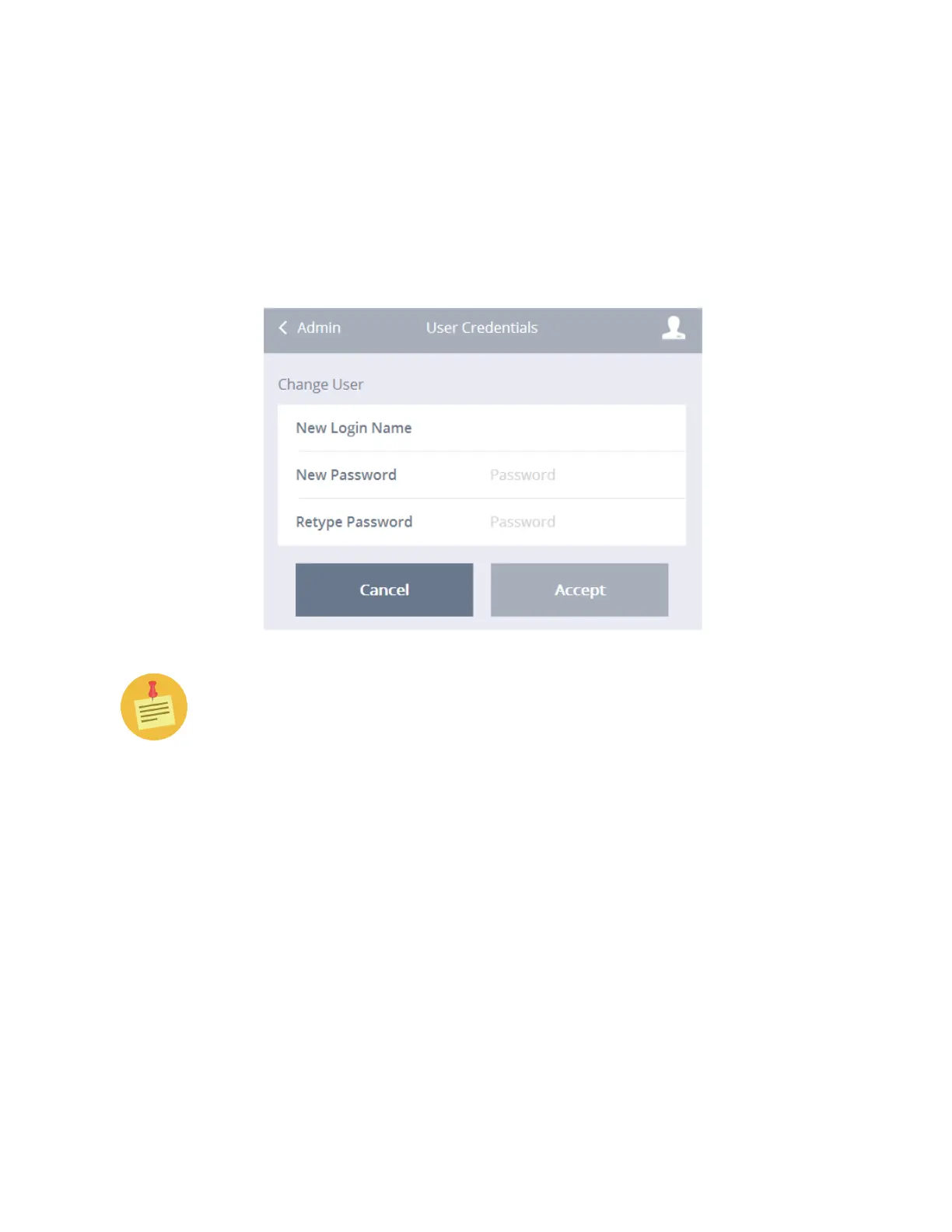
Change user credentials
To change a user’s name and password:
1. Click the Administrator submenu.
2. Click Change User Credentials.
3. Type in your new user login name, your new password, and retype the
new password.
4. Click Accept.
You can only have one user and one admin account at the time of release of
this product.



 To Next Page