45
Cirrus LT Plus User Manual v1.2 - Chapter 3
Installing a SFP module
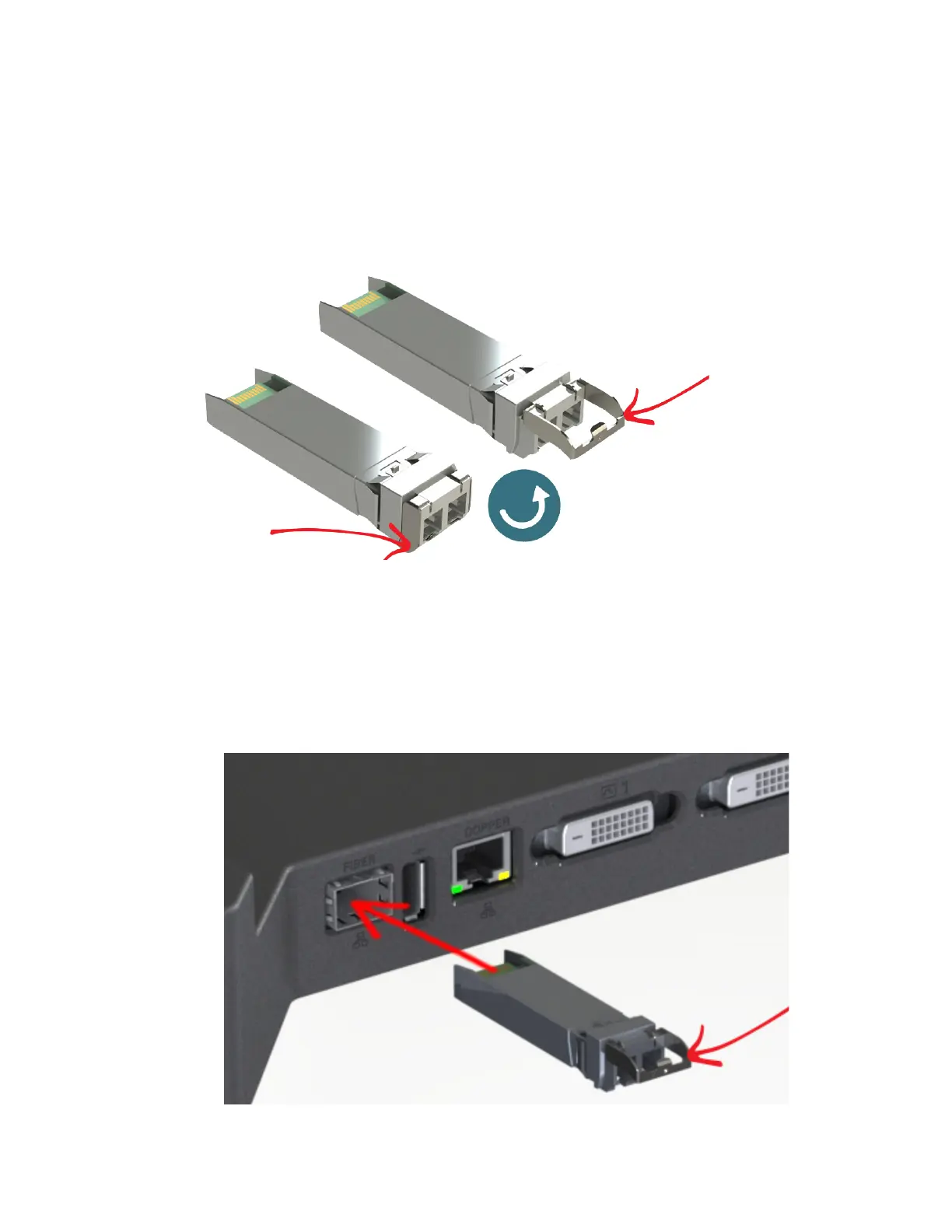
The SFP module goes into the Fiber SFP port on the docking station and allows you
to use fiber optic cable for more secure networking. You will need to pull the tab
lever out prior to installation, as shown below.
To install the SFP module:
1. Place the SFP module into the Fiber SFP port (refer to Chapter 1, rear view
port #1 for exact location). Make sure the side with the green tab is facing up,
and the tab lever is pulled out, as shown below.



 To Next Page