108 Cirrus LT Plus User Manual v1.2 - Chapter 4
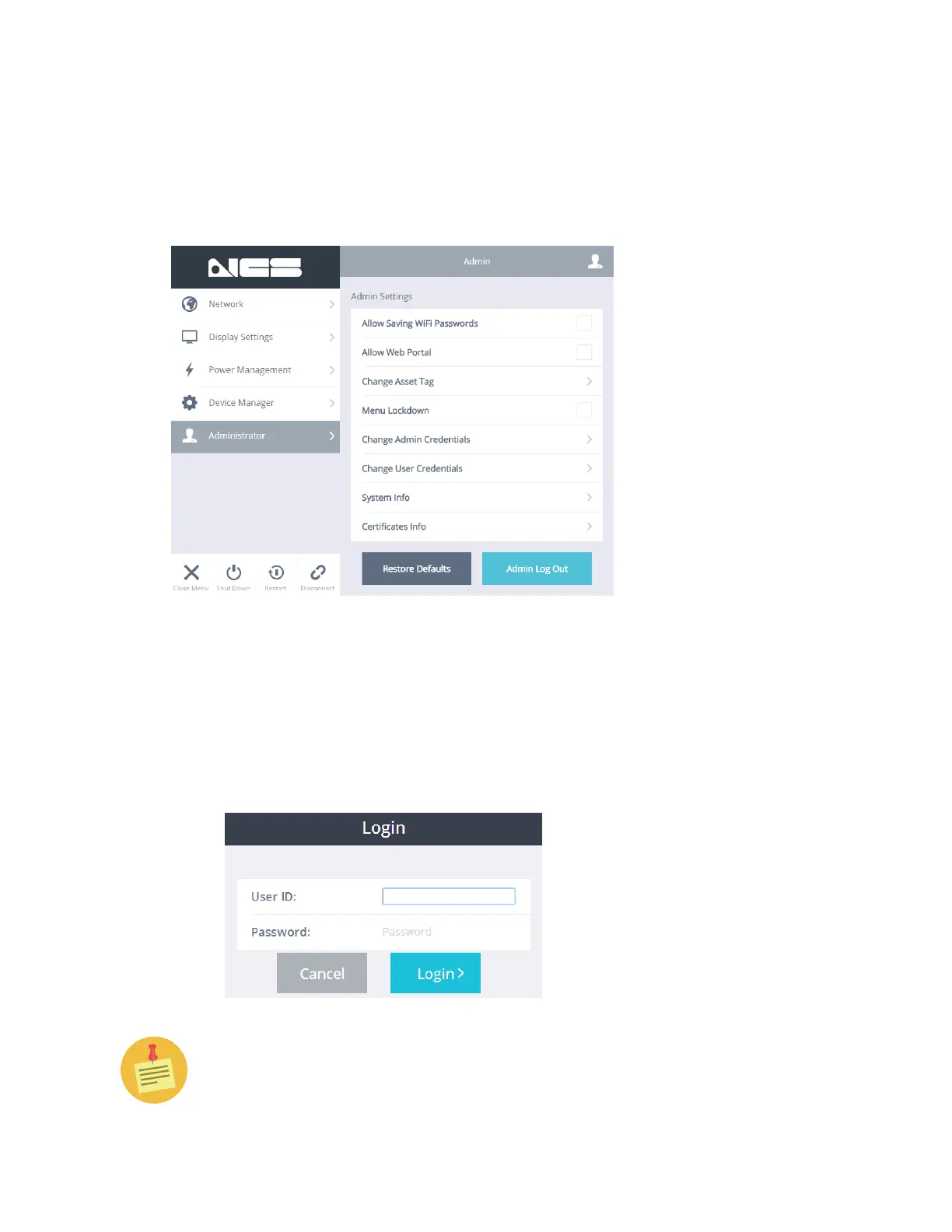
Administrator
Once you have logged in, the Administrator submenu lets you adjust the administra-
tor settings and view the system information.
Admin login
To login as an administrator:
1. Click the Administrator submenu.
2. Click Admin Login.
3. Type in your user ID and password and click Login.
The default user ID is “admin,” and the default password is “password”.



 To Next Page