64 Cirrus LT Plus User Manual v1.2 - Chapter 4
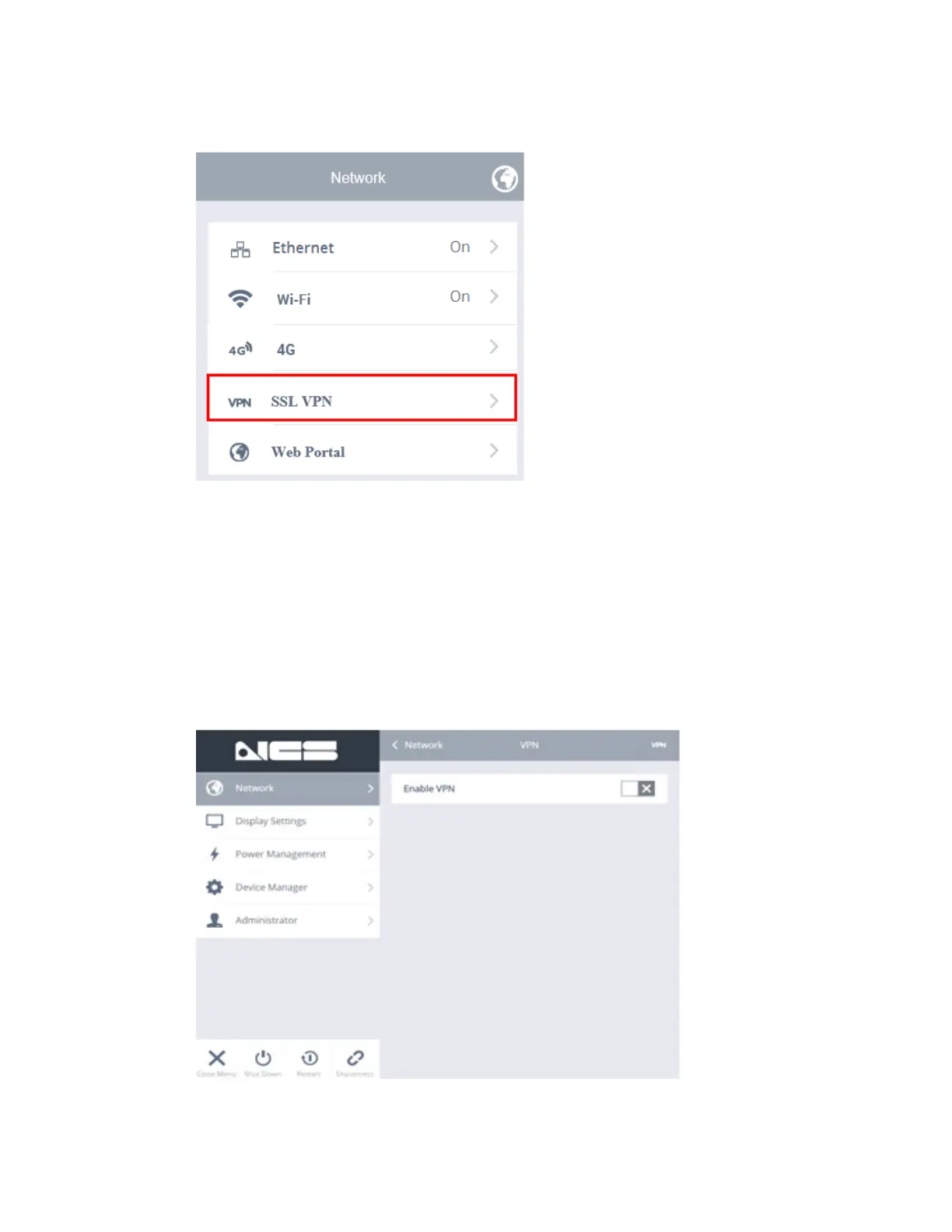
SSL VPN
Enabling SSL VPN will put your Cirrus LT Plus into a special VPN mode, allow-
ing you to connect back to your office’s network through a VPN server. It is im-
portant to note that while in “VPN MODE” the Cirrus LT Plus will be only able
to make remote connections via VPN. Normal connections that do not require
a VPN will not be possible. To connect again to remote connections that do
not require VPN (e.g. when you are at your corporate office), you will need to
DISABLE this feature. Cirrus LT Plus currently only supports Cisco and Juniper
VPN connections.



 To Next Page