65
Cirrus LT Plus User Manual v1.2 - Chapter 4
Enabling and Disabling SSL VPN
Enabling SSL VPN
To enable SSL VPN:
1. Click the Network submenu.
2. Select SSL VPN.
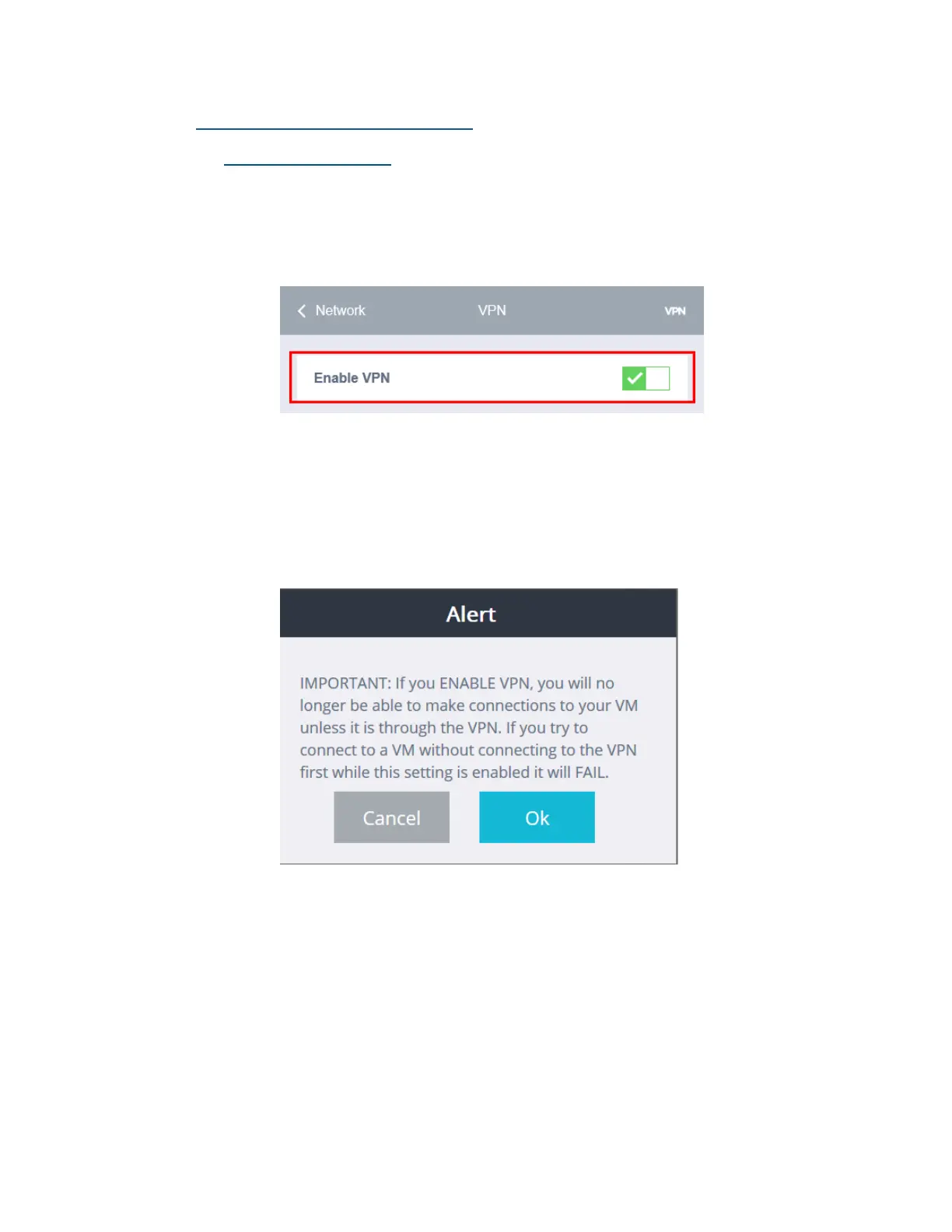
3. Click the Enable VPN selection box.
4. An alert (shown below) will then appear. It states that while Enable
VPN is active, the Cirrus LT Plus can only make remote connections
via VPN. Normal connections that don’t need VPN (e.g. when you are
at your corporate office) won’t be possible. To allow remote connec-
tions that don’t require VPN, turn off Enable VPN mode.



 To Next Page