66 Cirrus LT Plus User Manual v1.2 - Chapter 4
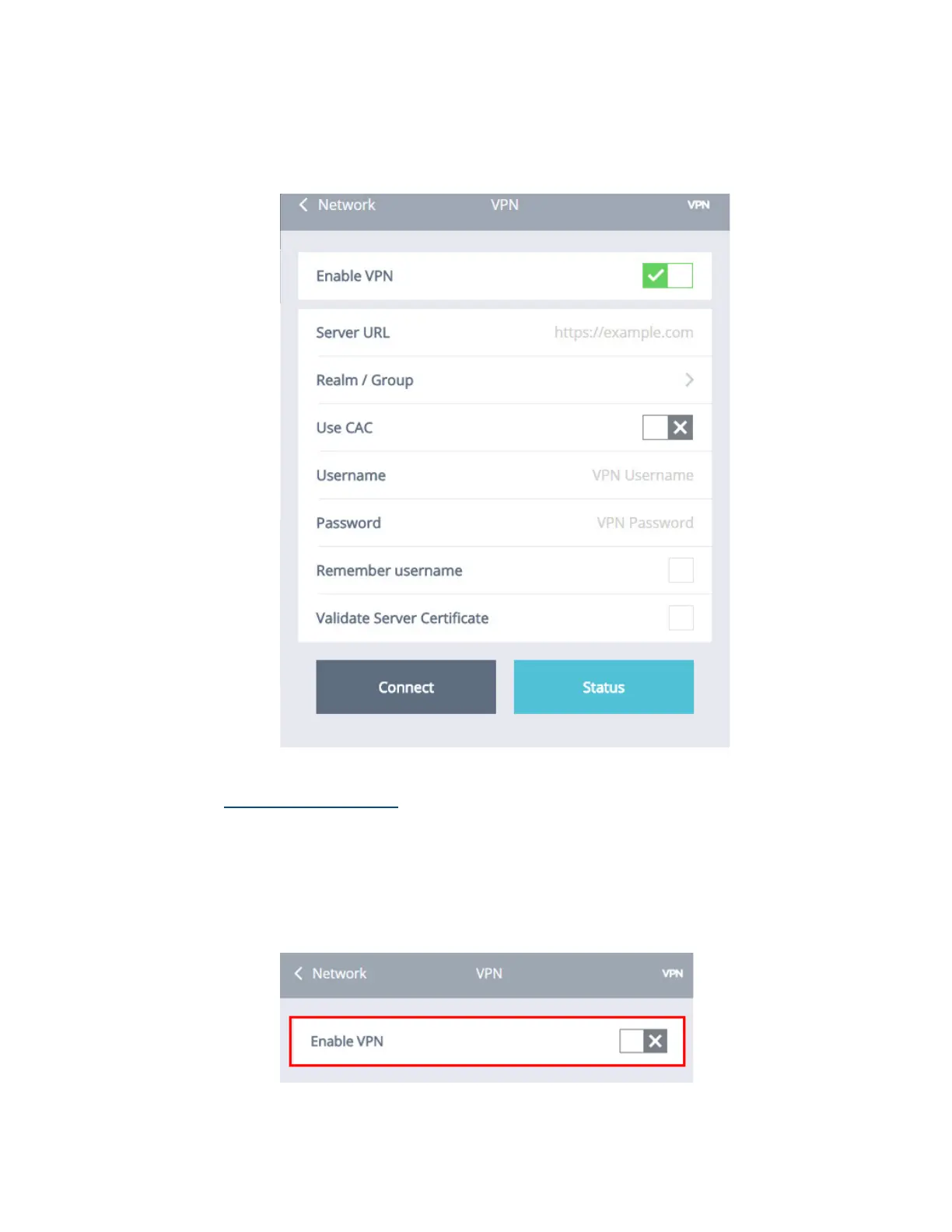
5. Click ‘OK’. The green check mark signifies that VPN has been enabled.
6. Once Enable VPN is turned on, the Network > SSL VPN submenu will
look like this.
Disabling SSL VPN
To disable SSL VPN:
1. Click the Network submenu.
2. Select SSL VPN.
3. Click the Enable VPN selection box. A gray “X” signifies that VPN has
been turned off, as shown below.



 To Next Page