67
Cirrus LT Plus User Manual v1.2 - Chapter 4
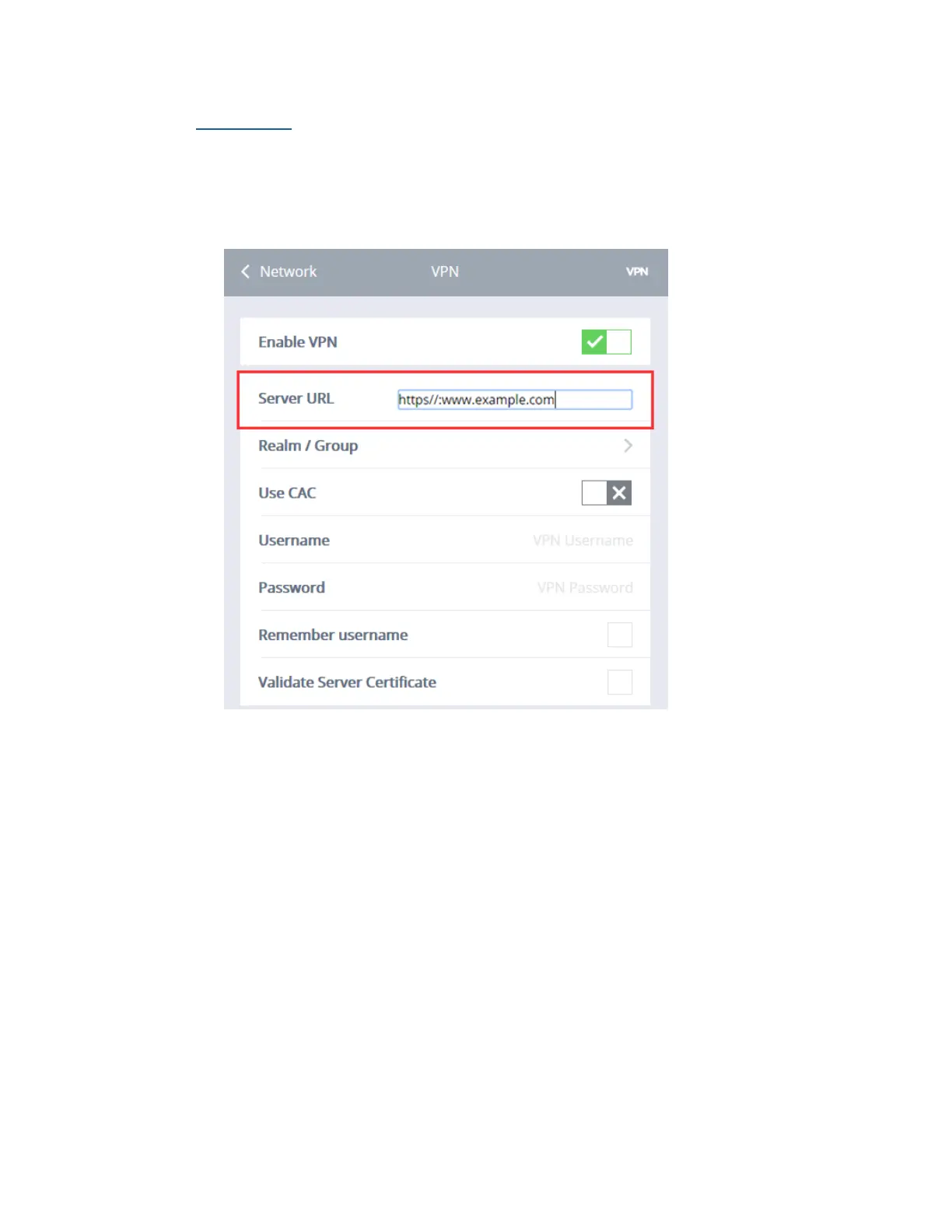
Server URL
In order to connect to a VPN Server, type in its URL or IP Address in the
Server URL field (as shown below), then click the Connect button. For conve-
nience, once a VPN server address is entered it will remain in this field until
changed. Only one VPN server can be stored at this time.



 To Next Page