110 Cirrus LT Plus User Manual v1.2 - Chapter 4
Allow web portal
Since this system has no real browser, the web portal enables you to connect to
open or public WiFi networks that require additional input before they can be
used. An example of this would be a hotel’s network requiring a room number
before allowing you to use their wireless network.
To allow or disallow the web portal:
1. Click the Administrator submenu.
2. Click the box next to Allow Web Portal.
Allowing web portals will make the system less secure.
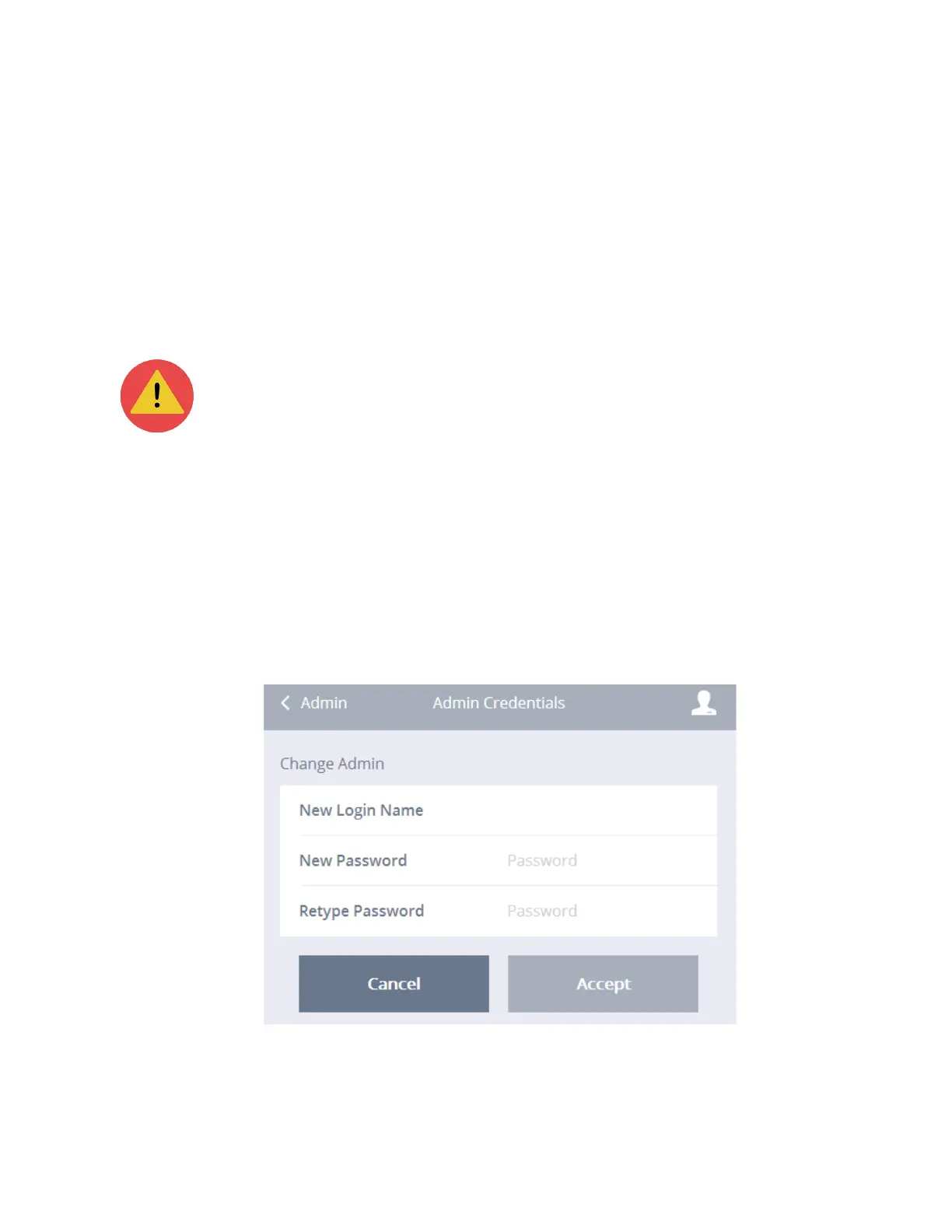
Change admin credentials
To change the admin’s name and password:
1. Click the Administrator submenu.
2. Click Change Admin Credentials.
3. Type in the new login name, the new password, and lastly retype the new
password.
4. Click Accept.



 To Next Page