35
Cirrus LT Plus User Manual v1.2 - Chapter 3
Connecting to the docking station
You can connect your notebook to a docking station. The docking station has many
of the same ports as the notebook, but also features two DVI-D ports and a Fiber
SFP port.
The notebook and docking station use different AC adapters. You must
connect the 90 Watt AC Adapter (19V, 4.74A) to the docking station in order
for the Cirrus LT Plus to function correctly while in the docking station.
Connecting the docking station
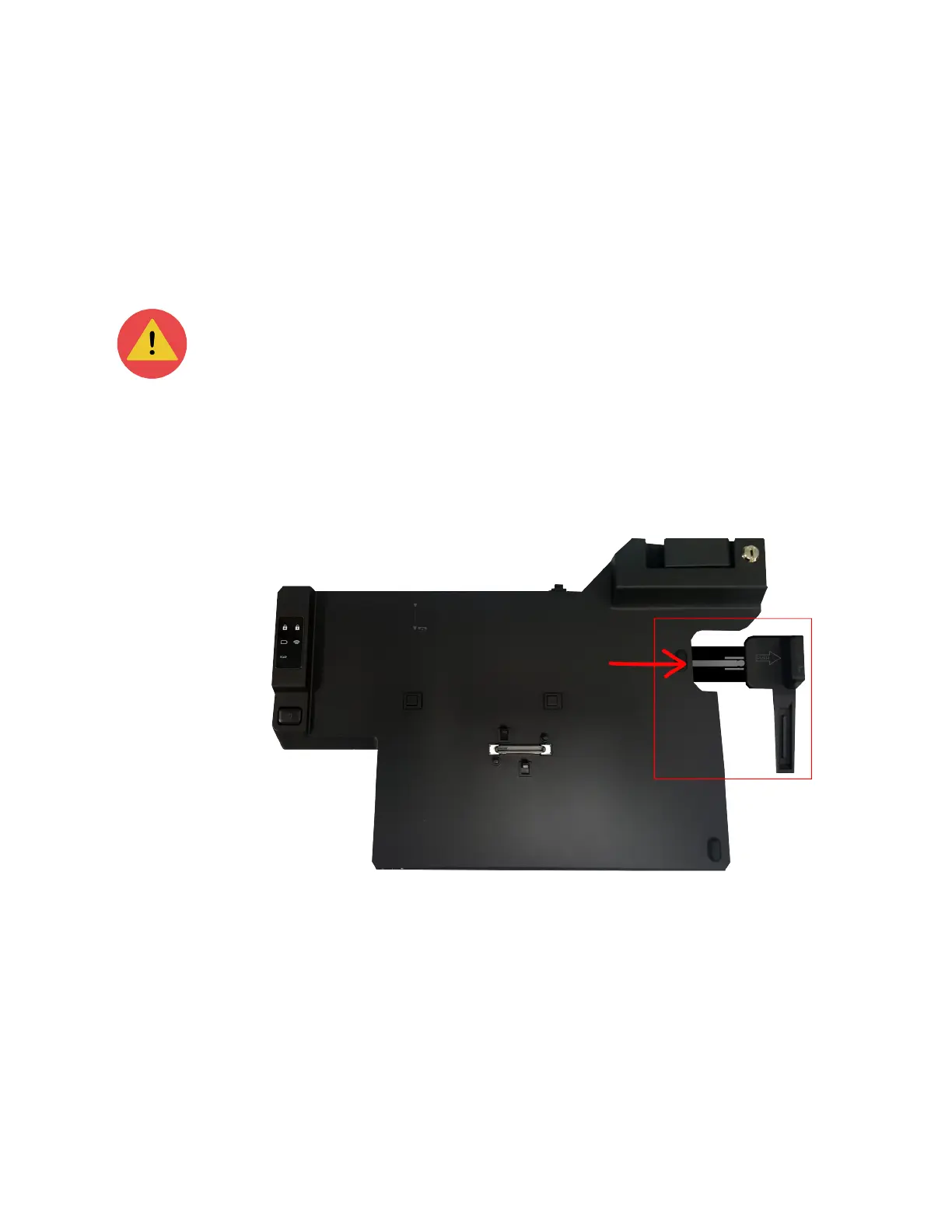
To connect your notebook to the docking station:
1. Pull out the extender on the right side of the docking station.



 To Next Page