79
Cirrus LT Plus User Manual v1.2 - Chapter 4
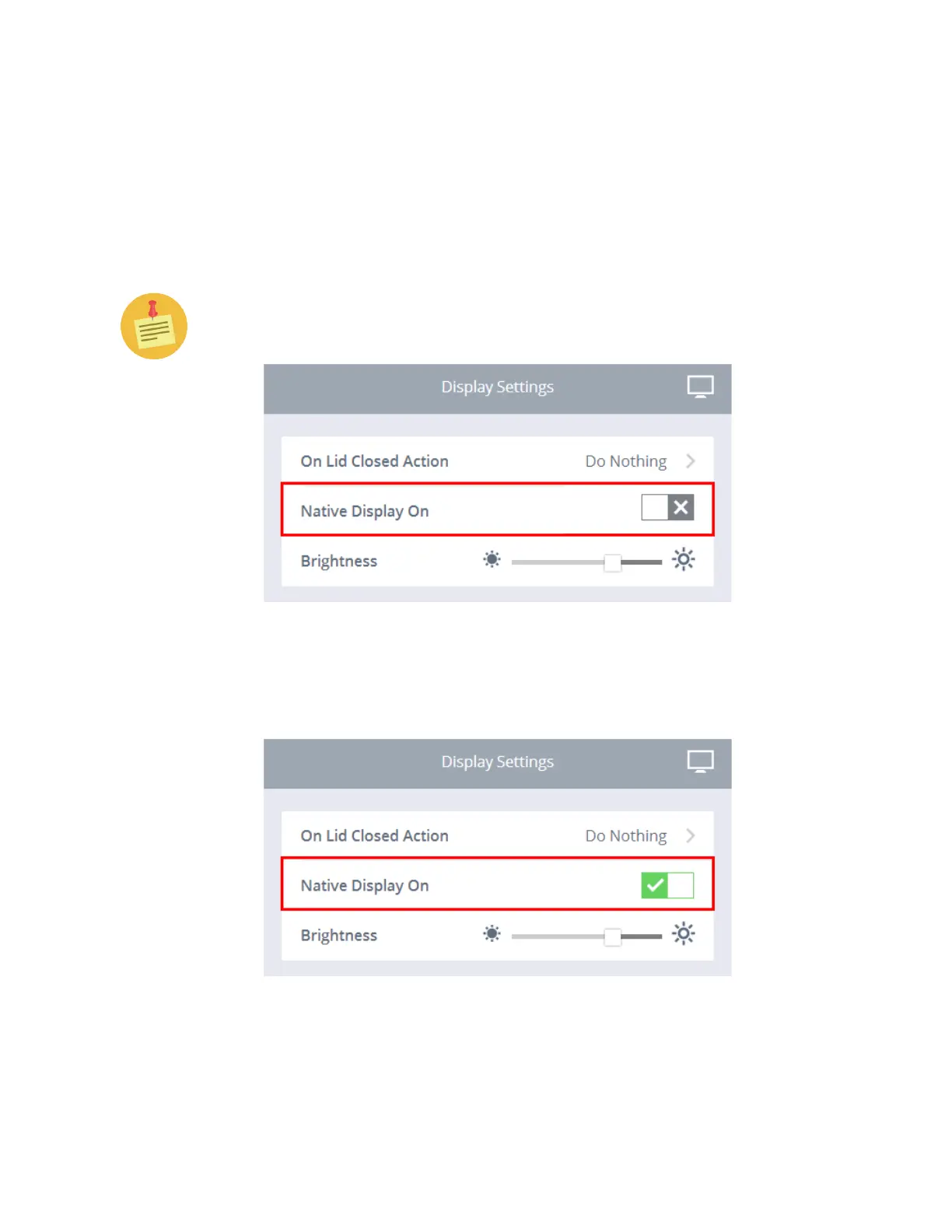
Native Display Off
This feature allows you to turn off the Native Display.
To turn off the Native Display:
1. Click the Display Settings submenu.
2. Click the box next to Native Display On. The Native Display will then
turn off.
You can also toggle the Native Display on and off by pressing Fn-F4.
To turn on the Native Display:
1. To turn on the Native Display select the green check mark, as shown be-
low. Fn-F4 will also toggle the display on/off.



 To Next Page