26 Cirrus LT Plus User Manual v1.2 - Chapter 2
Starting your notebook
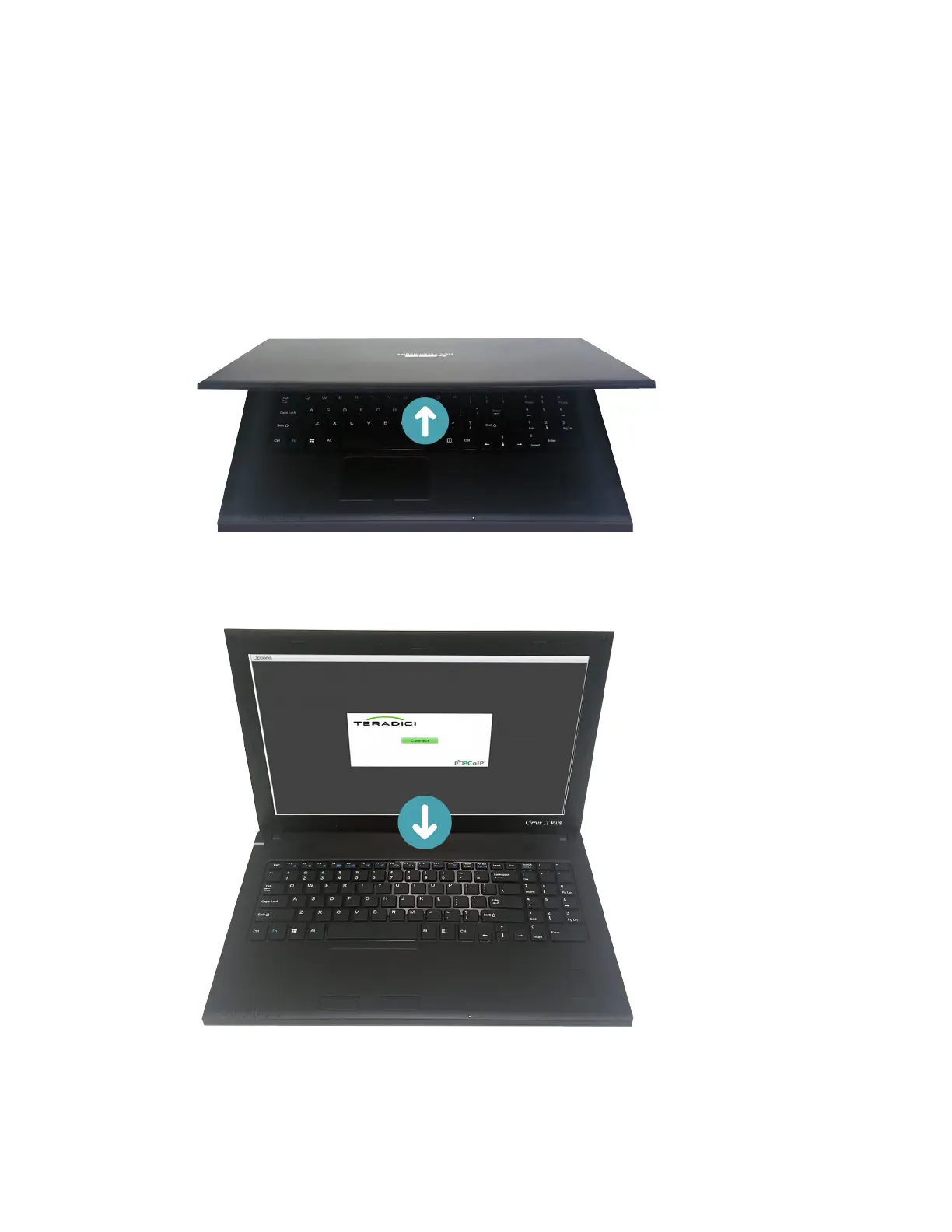
Opening the display panel
The notebook lid is secured with small magnets while closed and is easily
opened.
• To open, simply lift the cover lid up to the upright position.
• To close, carefully place the cover lid down. Do not slam it shut.



 To Next Page