77
Cirrus LT Plus User Manual v1.2 - Chapter 4
• Ensure you have connected to the open WiFi network and have been assigned
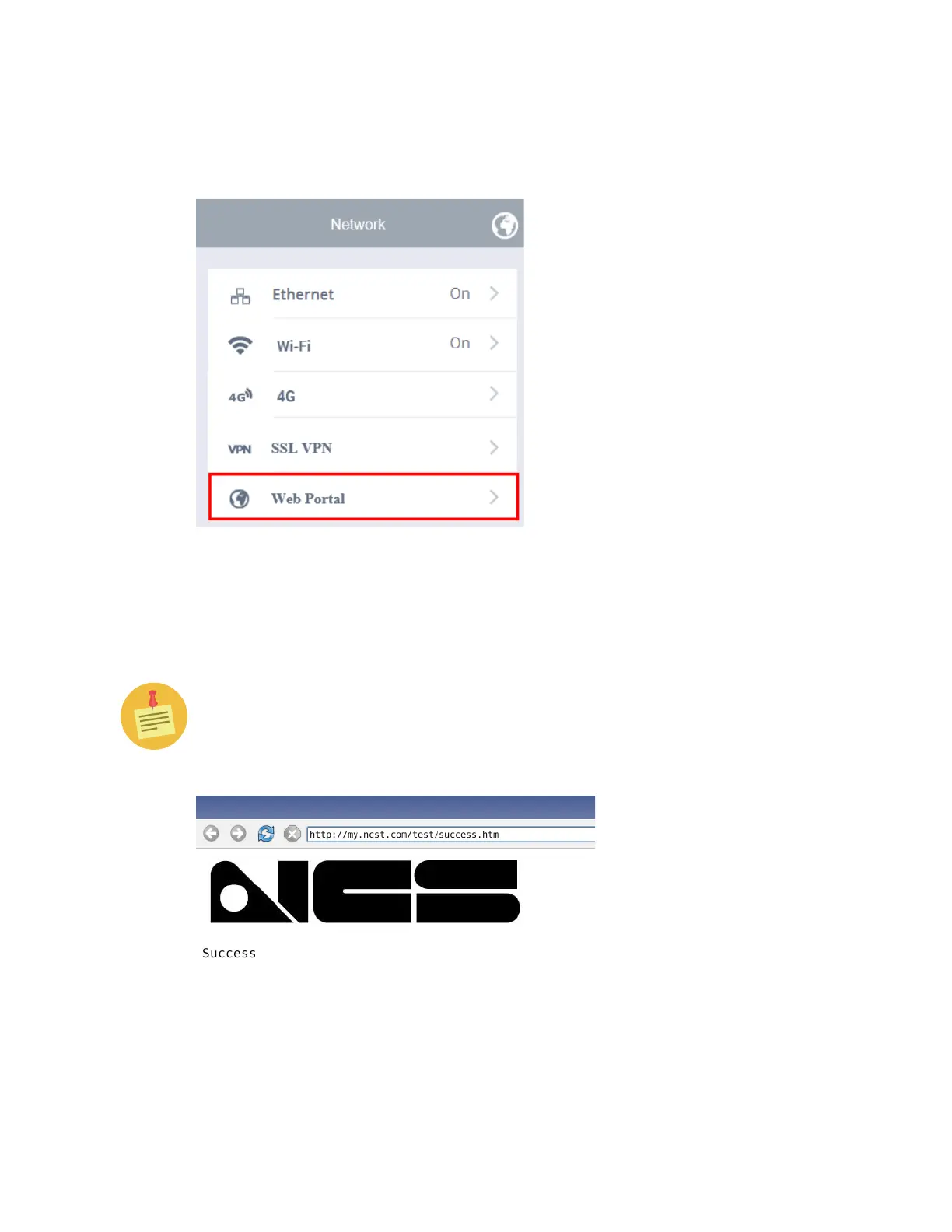
an IP address. Once this is done, click on the Web Portal selection in the Network
Menu.
• If for some reason the network you are on does not have a web portal, Cirrus
LT Plus will take you to a default web page on ncst.com to confirm everything is
working properly and you should be able to do a remote session.
You may need to click REFRESH on the Web Portal to display the web page.
If for added security you want to disable this feature, you can in the Admin-
istrator submenu, described later in Chapter 4, under the “Administrator”
section.
NCS strives to support many different types of web portal pages, but unfortu-
nately incompatibilities will arise. In these cases, please enter a support ticket
on NCS’s Support Page with the web page or location that you were not able to
connect to and we will investigate why Cirrus LT Plus was unable to connect.



 To Next Page