114 Cirrus LT Plus User Manual v1.2 - Chapter 5
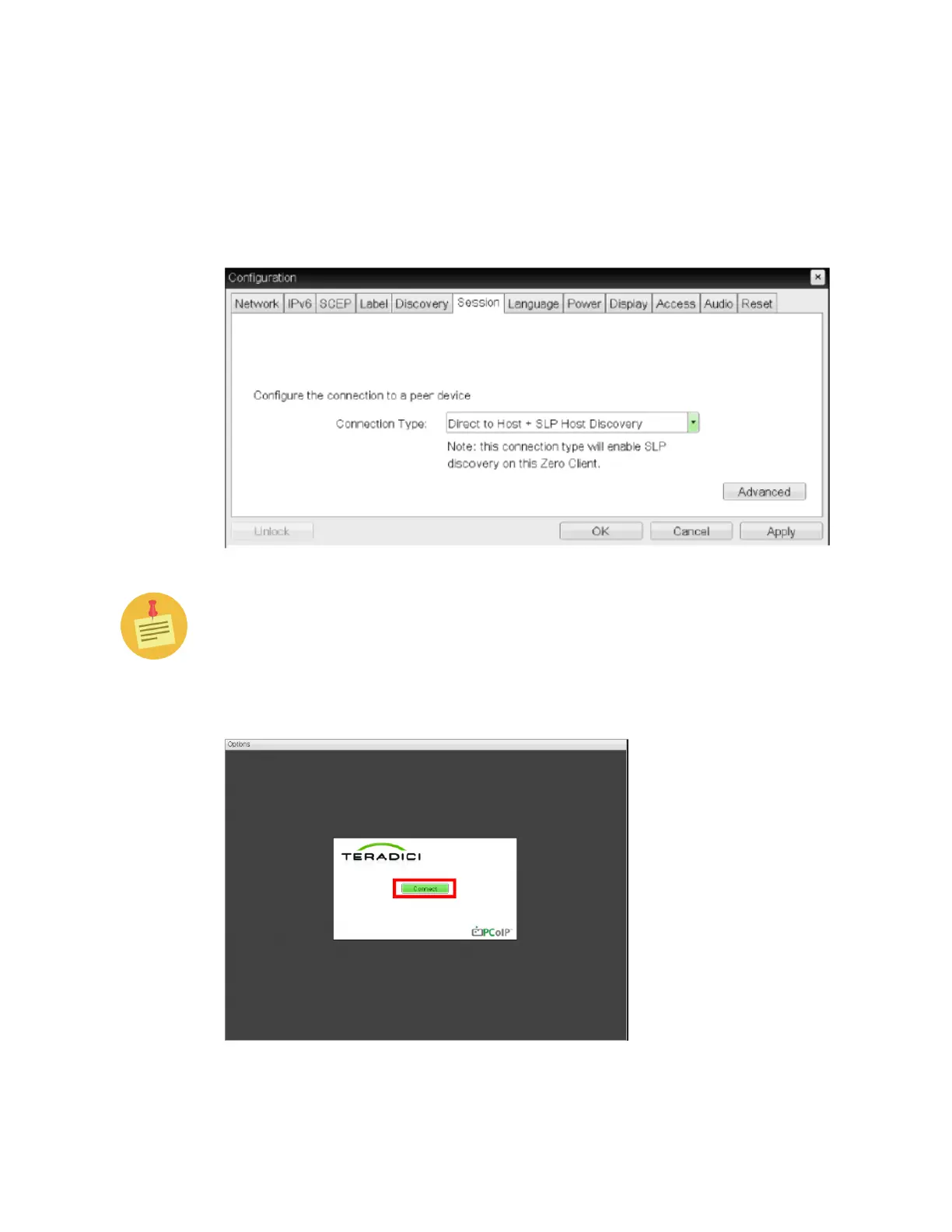
2. Now choose Session to configure your method of session connection. You will
be prompted to enter a password when you configure the settings. Simply
click the ‘OK’ button (no need to input anything into the Password field since
the default password is blank) to bypass this prompt. If the Password prompt
doesn’t disappear after pressing ‘OK’, ask your IT Administrator if a password
is required.
For advanced Teradici Firmware options, refer to the PCoIP Zero Client and
Host Administrator Guide, downloadable from teradici.com.
3. Press OK when done with the configuration.
4. Press the Connect button to establish your PCoIP session.



 To Next Page