106 Cirrus LT Plus User Manual v1.2 - Chapter 4
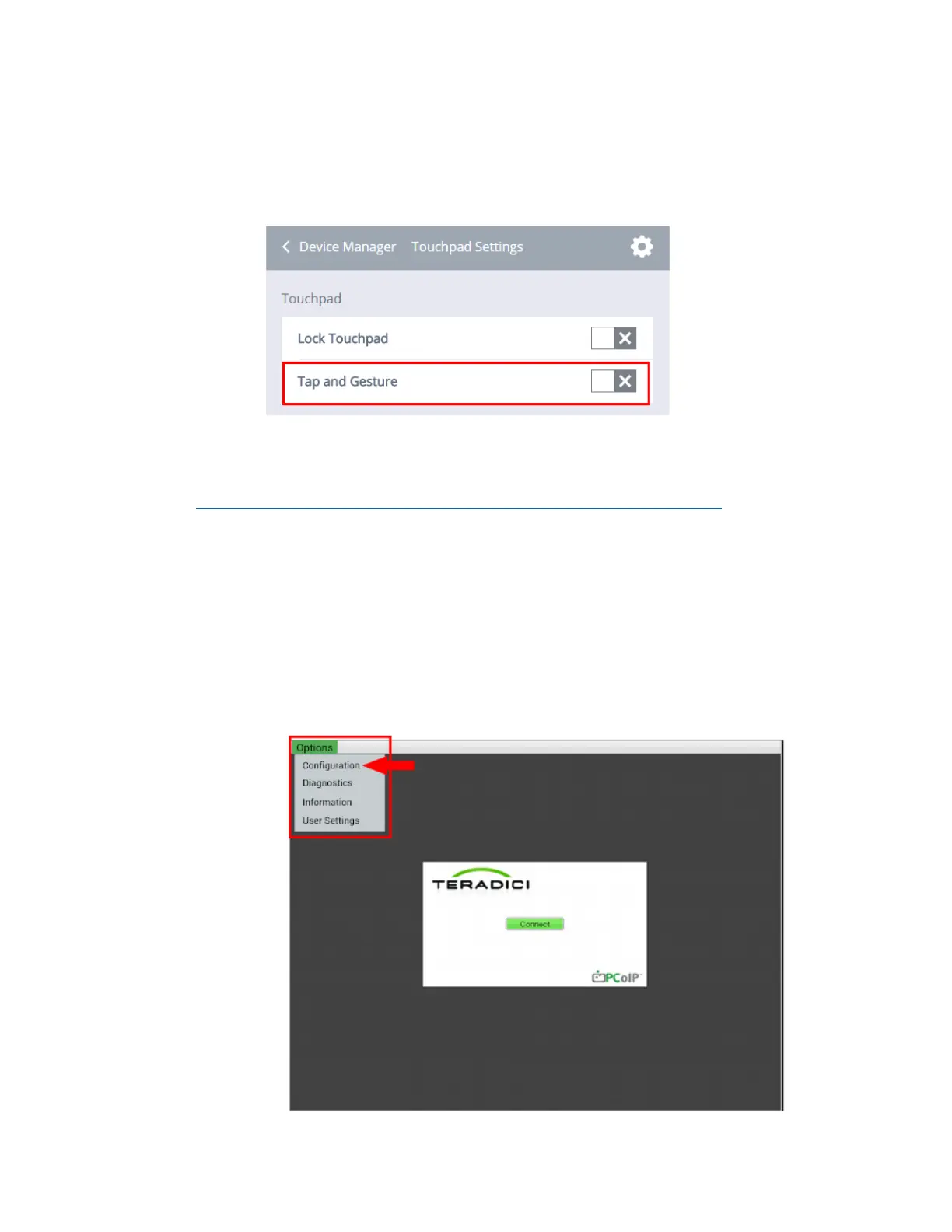
To Disable Tap and Gesture:
1. Click the Device Management submenu > Touchpad/Keyboard Settings.
2. Click the box next to Tap and Gesture. When the gray ‘X’ is selected, Tap
and Gesture is disabled.
Adjusting touchpad sensitivity/mouse cursor speed settings
You can adjust the sensitivity of the Cirrus LT Plus’ Touchpad (referred to here
as mouse speed cursor settings) for the OSM sessions via Teradici’s Options
Menu. You can access this page from the Options > User Settings > Mouse Menu.
To change the touchpad sensitivity (aka mouse cursor speed) via the Teradici
Power Menu:
1. From the Teradici Main Window, select Options in the upper left hand
corner to open the Teradici Firmware Options menu, then User Settings.



 To Next Page