105
Cirrus LT Plus User Manual v1.2 - Chapter 4
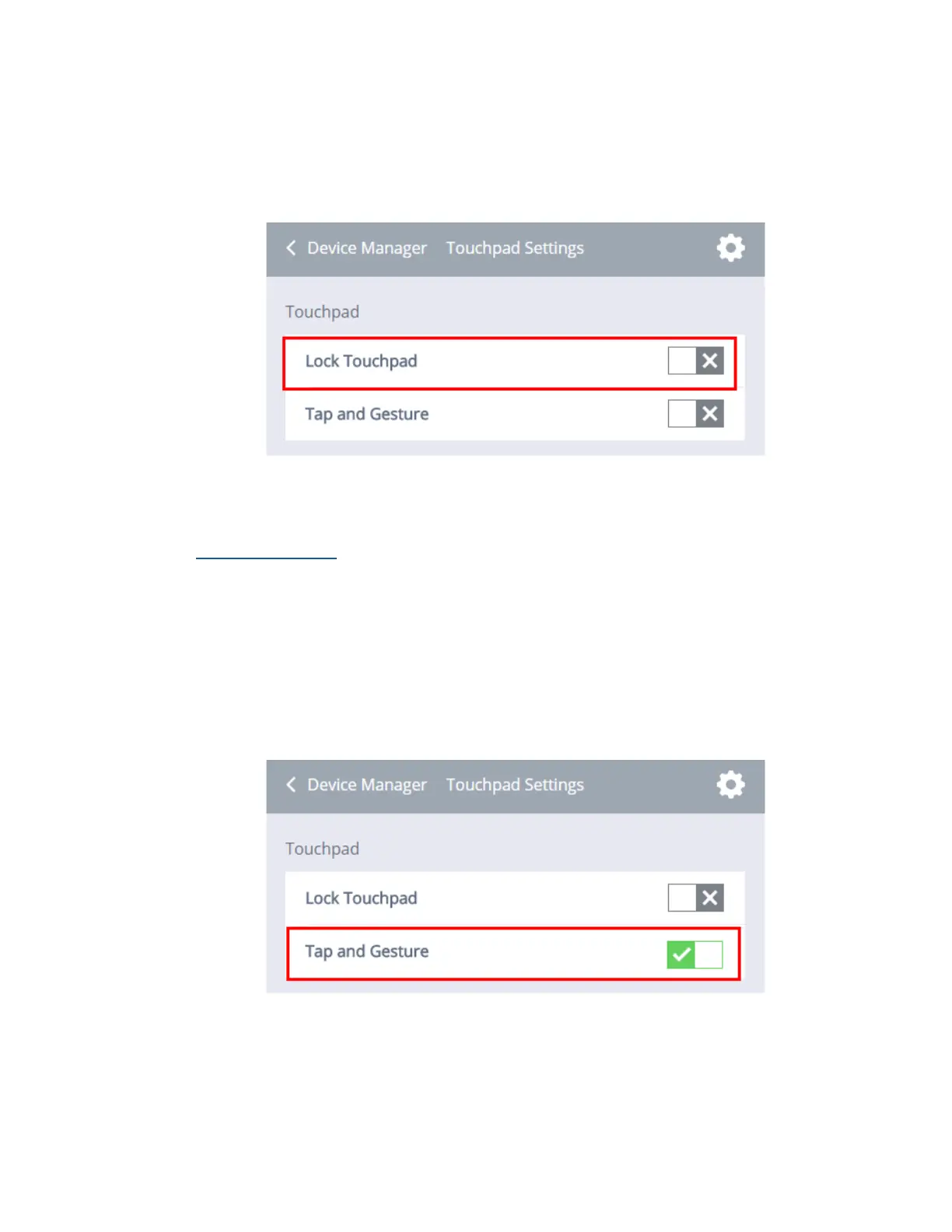
To Unlock the Touchpad:
1. Click the Device Management submenu > Touchpad/Keyboard Settings.
2. Click the box next to Lock Touchpad. When the gray ‘X’ is selected, the
Touchpad will be enabled.
Tap and gesture
When this feature is enabled you will be able to tap the touchpad to simulate the
left button click and use other touchpad gestures to zoom in on the screen.
To Enable Tap and Gesture:
1. Click the Device Management submenu > Touchpad/Keyboard Settings.
2. Click the box next to Tap and Gesture. When the green ‘check mark’ is
selected, Tap and Gesture is enabled.



 To Next Page