137
Cirrus LT Plus User Manual v1.2 - Chapter 9
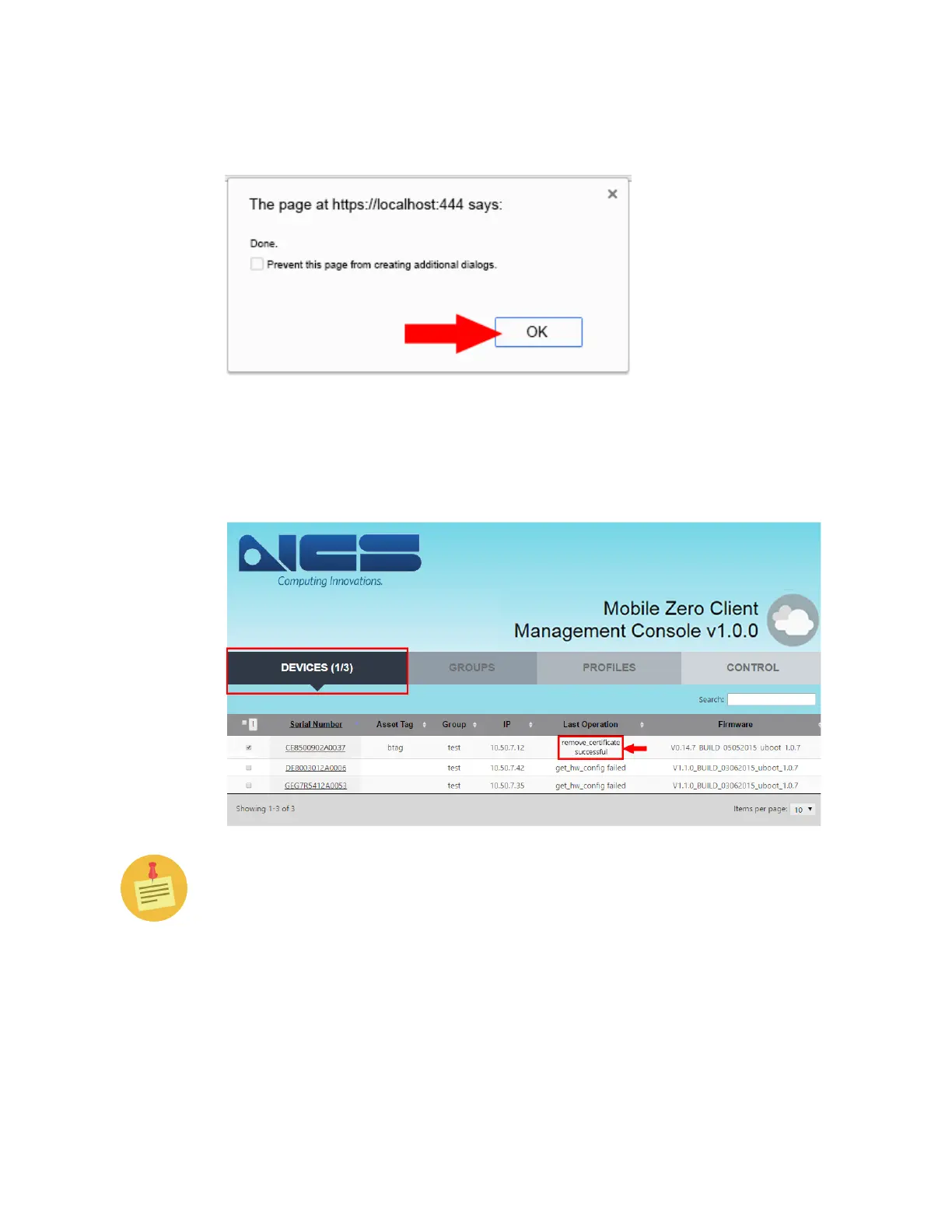
5. If the certificate uploads successfully, you will see the following pop-up win-
dow. Click “OK”.
6. Go back to the Devices Tab. Under the Last Operation Column, confirm the
selected device’s status displays the “remove_certificate successful” message,
as shown below.
If you are unsuccessful, go back to Step #3 and try again.



 To Next Page