141
Cirrus LT Plus User Manual v1.2 - Chapter 10
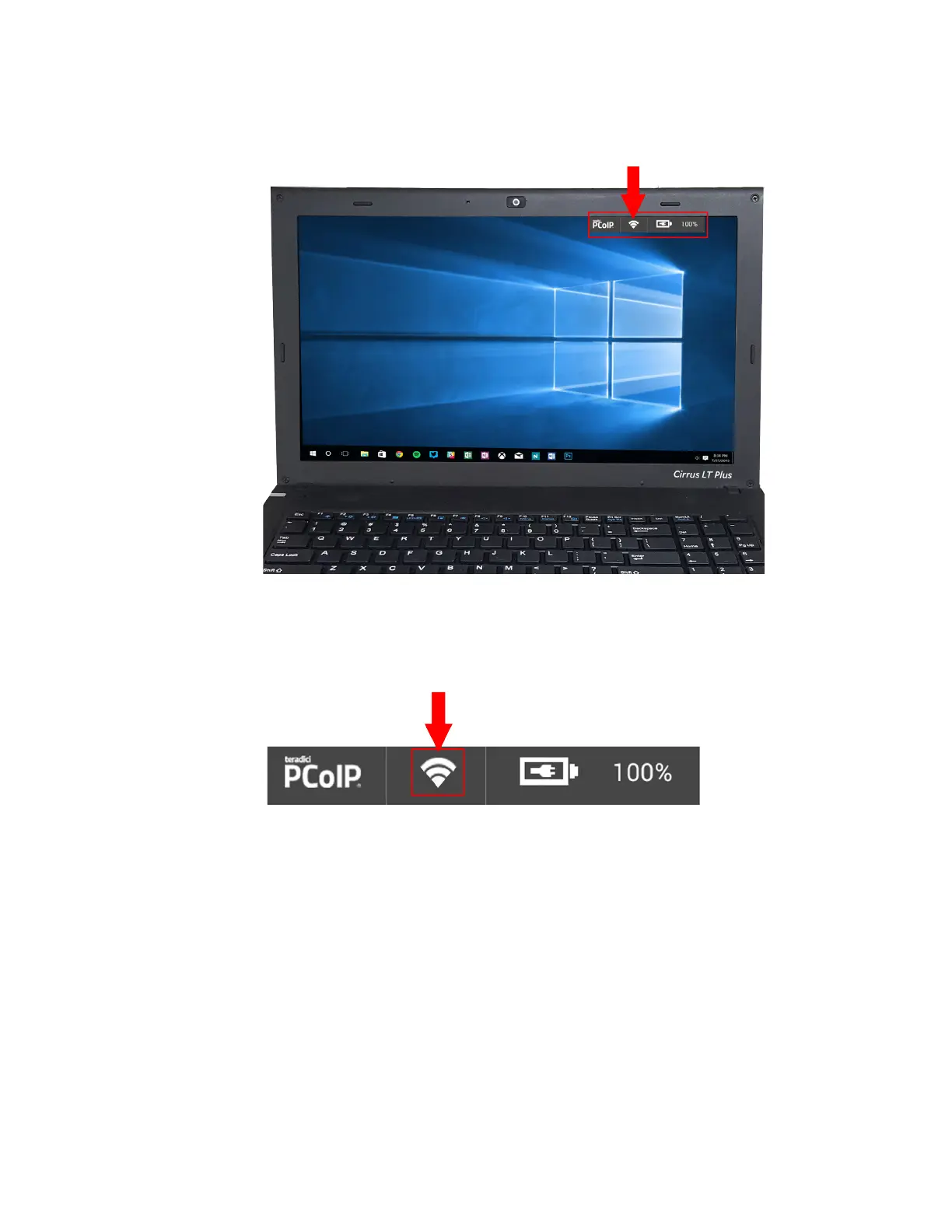
3. The Cirrus LT Plus’ Status Bar (located at the top right corner) has an
indicator when this mode is active, as shown below.
4. When Enhanced Roaming is disabled, the white dot beside the WiFi icon
will be absent, as shown below.



 To Next Page