119
Cirrus LT Plus User Manual v1.2 - Chapter 7
6. Click ‘Forgot Password?’.
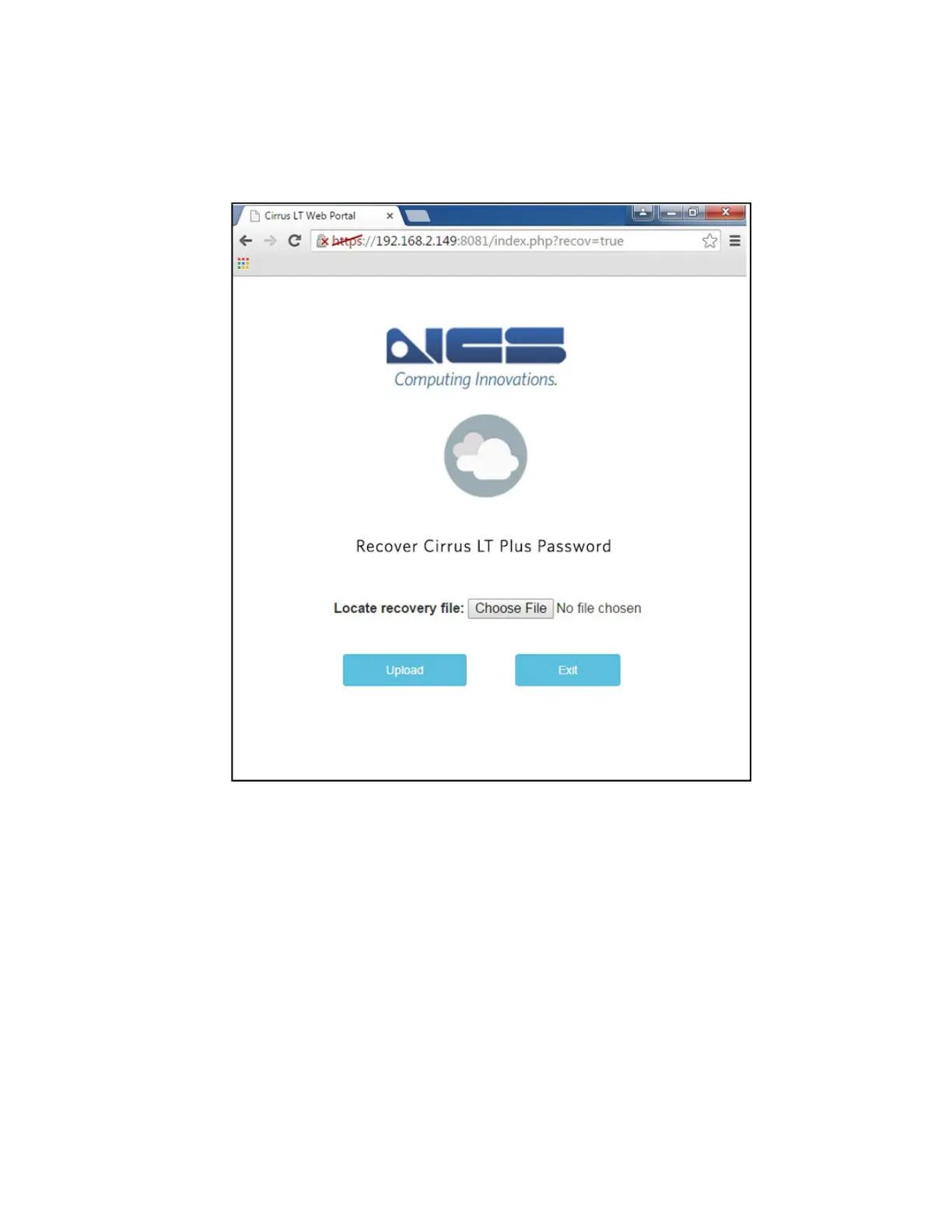
7. Choose File to Locate the recovery file and select the file that the NCS Help
Desk sent you and you downloaded.
8. Upload the file. The Cirrus LT Plus will automatically restart, at which
point the password will have been changed back to the default of “pass-
word”.



 To Next Page